

ShareX
Онлайн ShareX сейчас
- Сейчас играют
- 2 201
- Пик за 24 ч
- 2 201
- Пик за 30 дн.
- 2 486
- Рекорд с начала наблюдений SteamStat
- 2 486
Разработчик: ShareX Team
SteamStat начал наблюдать за ShareX 7 ноября 2026 г.. График по дням появится, когда наберётся 7 дней данных.
Среднее количество игроков
По часам
Онлайн ShareX по месяцам
Сейчас в ShareX играют 2 201 человек, пик за 24 часа — 2 201. Пик за ноябрь 2026 на данный момент — 2 486 игроков, в среднем 2 369.
| Месяц | В среднем | Изменение | Пик |
|---|---|---|---|
| ноябрь 2026 (идёт) | 2 369 | — | 2 486 |
По замерам онлайна Steam, которые SteamStat ведёт с начала наблюдений. Изменение — разница среднего онлайна с предыдущим месяцем.
Коротко
В ShareX сейчас 2 201 игроков — 100% от пика за 24 часа (2 201). Рекорд с начала наблюдений SteamStat — 2 486 игроков (8 ноября 2026 г.). Обзоры в Steam (10) оценивают игру как «Положительные» (90% положительных). Вышла 2 октября 2015 г., разработчик: ShareX Team. Игра бесплатная.


Описание
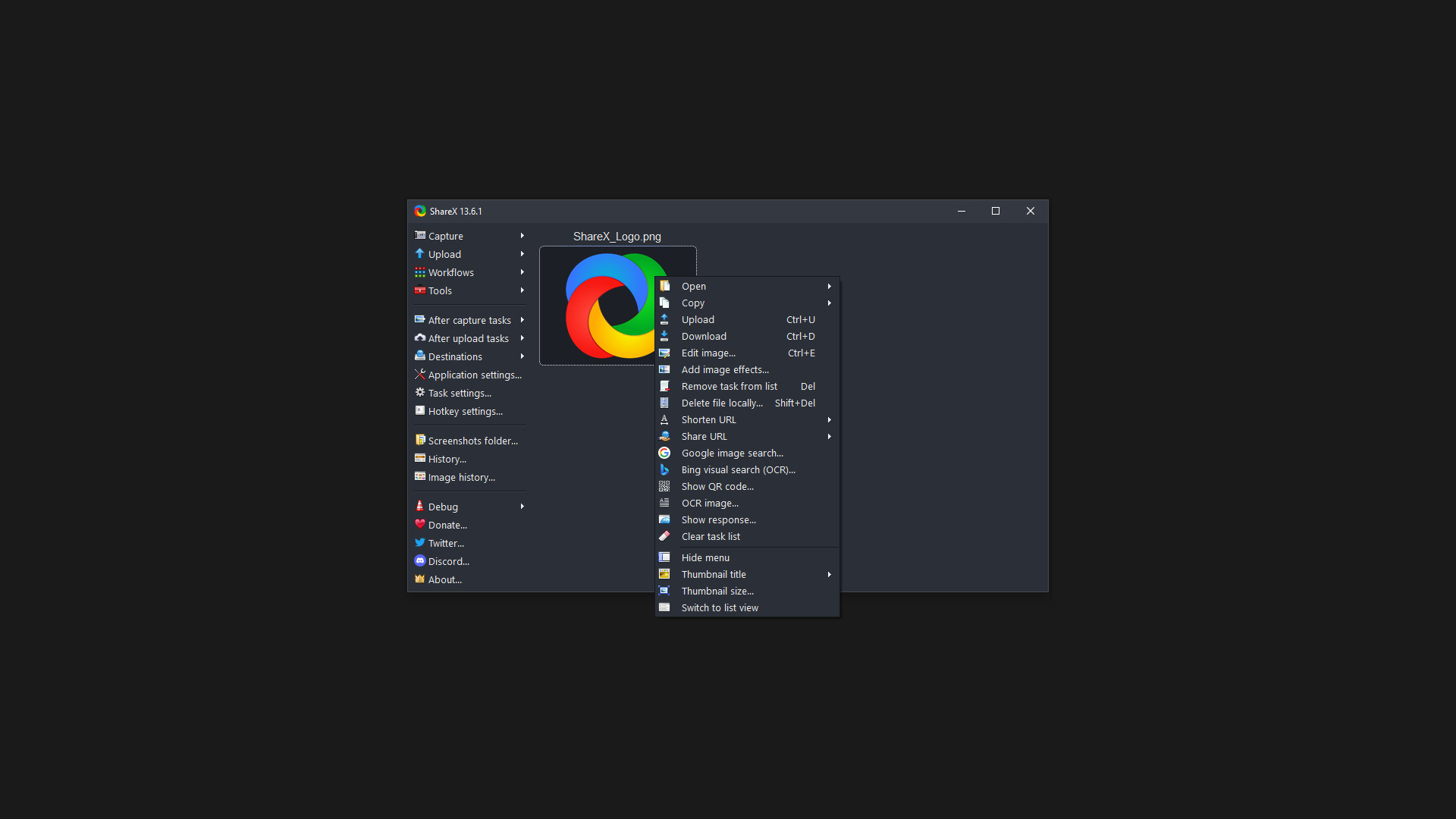
ShareX supports many ways to capture or record your screen. The main capture methods are:
- Fullscreen
- Active window
- Active monitor
- Window menu
- Monitor menu
- Region
- Region (Light)
- Region (Transparent)
- Last region
- Custom region
- Screen recording
- Screen recording (GIF)
- Scrolling capture
- Webpage capture
- Text capture (OCR)
- Auto capture
There are many configurable screen capture settings such as showing the cursor, transparent window capture, delayed capture, multiple region selection with different shapes, etc.
After the capture the following automated tasks can be executed:
- Show quick task menu
- Show "After capture" window
- Add image effects / watermark
- Annotate image
- Copy image to clipboard
- Print image
- Save image to file
- Save image to file as...
- Save thumbnail image to file
- Perform actions
- Copy file to clipboard
- Copy file path to clipboard
- Show file in explorer
- Recognize text (OCR)
- Show "Before upload" window
- Upload image to host
- Delete file locally
For example, the captured image can be opened in image editor and after that, the image can be automatically saved to the hard disk and uploaded to your destination of choice.
ShareX allows you to upload any type of files with these methods:
- Upload file
- Upload folder
- Upload from clipboard
- Upload from URL
- Drag and drop upload
- Upload from Windows shell context menu
- Upload from Windows send to menu
- Watch folder
After the upload, any of the following automated tasks can be executed:
- Show "After upload" window
- Shorten URL
- Share URL
- Copy URL to clipboard
- Open URL
- Show QR code window
For example, the uploaded image URL can be automatically shortened using one of the 15 URL shortener services and the shortened URL can be copied to the clipboard.
ShareX also comes with a few simple productivity tools:
- Color picker
- Screen color picker
- Annotate image
- Image effects
- Hash check
- DNS changer
- QR code
- Ruler
- Directory indexer
- Image combiner
- Image thumbnailer
- Video thumbnailer
- FTP client
- Tweet message
- Monitor test
ShareX has an advanced hotkey system which allows you to use any of these capture methods, upload options or tools with their own task settings. These are called "Workflows". Workflows allow each hotkey to have its own after capture tasks, after upload tasks, destination etc. For example, you can set your screen recording hotkey to upload to a specific destination, bypassing the default destination. This way, only videos will be uploaded to this configured file destination.
Поддерживаемые языки: english, turkish, french, german, spanish - spain, dutch, hungarian, korean, portuguese - brazil, simplified chinese, russian, italian, traditional chinese, ukrainian, japanese, portuguese - portugal, romanian, vietnamese, arabic, indonesian, polish, spanish - latin america
Что-то не так на этой странице? Сообщите нам
Описание и скриншоты предоставлены издателем через страницу в магазине Steam.
Системные требования
Windows
- OS *: Windows 7 Service Pack 1
- Memory: 512 MB RAM
- Storage: 150 MB available space





Дополнительная информация
| Разработчик | ShareX Team |
| Платформы | Windows |
| Возрастное ограничение | Нет |
| Дата выхода | 2 октября 2015 г. |
| Обзоры пользователей | 90% положительных (10) |
Обзоры пользователей
Жанры
Теги
Активные игроки
Профили с наибольшим временем игры за последние 2 недели


