
liteCam HD 5.0: Screen/Stream Capture
Онлайн liteCam HD 5.0: Screen/Stream Capture сейчас
- Сейчас играют
- 3
- Пик за 24 ч
- 3
- Пик за 30 дн.
- 5
- Рекорд с начала наблюдений SteamStat
- 5
Разработчик: Rsupport Inc.
SteamStat начал наблюдать за liteCam HD 5.0: Screen/Stream Capture 7 ноября 2026 г.. График по дням появится, когда наберётся 7 дней данных.
Среднее количество игроков
По часам
Онлайн liteCam HD 5.0: Screen/Stream Capture по месяцам
Сейчас в liteCam HD 5.0: Screen/Stream Capture играют 3 человек, пик за 24 часа — 3. Пик за ноябрь 2026 на данный момент — 5 игроков, в среднем 3.
| Месяц | В среднем | Изменение | Пик |
|---|---|---|---|
| ноябрь 2026 (идёт) | 3 | — | 5 |
По замерам онлайна Steam, которые SteamStat ведёт с начала наблюдений. Изменение — разница среднего онлайна с предыдущим месяцем.
Коротко
В liteCam HD 5.0: Screen/Stream Capture сейчас 3 игроков — 100% от пика за 24 часа (3). Рекорд с начала наблюдений SteamStat — 5 игроков (7 ноября 2026 г.). Обзоры в Steam (42) оценивают игру как «Смешанные» (43% положительных). Вышла 27 мая 2014 г., разработчик: Rsupport Inc..
Описание
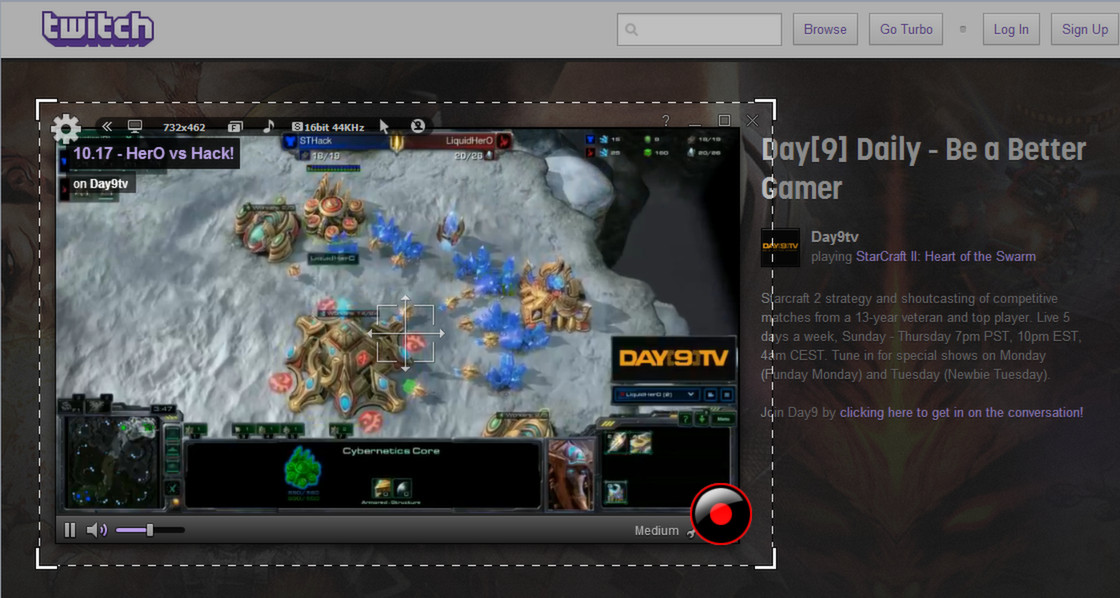
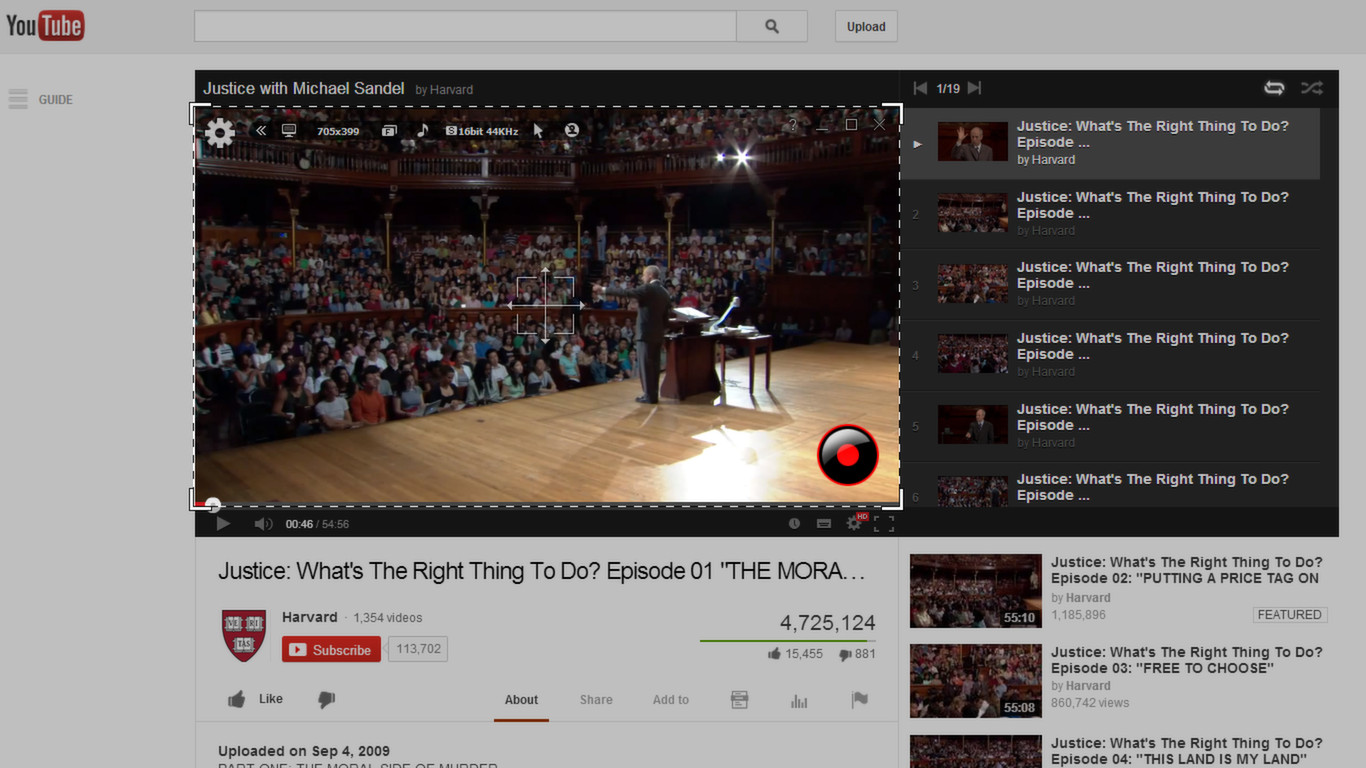
liteCam HD is windows recording software that can capture anything on your computer screen such as twitch.tv live stream, Skype video calls, online lectures, webinars, news broadcast.
Also, with liteCam HD you can create tutorials, demos, and presentation.
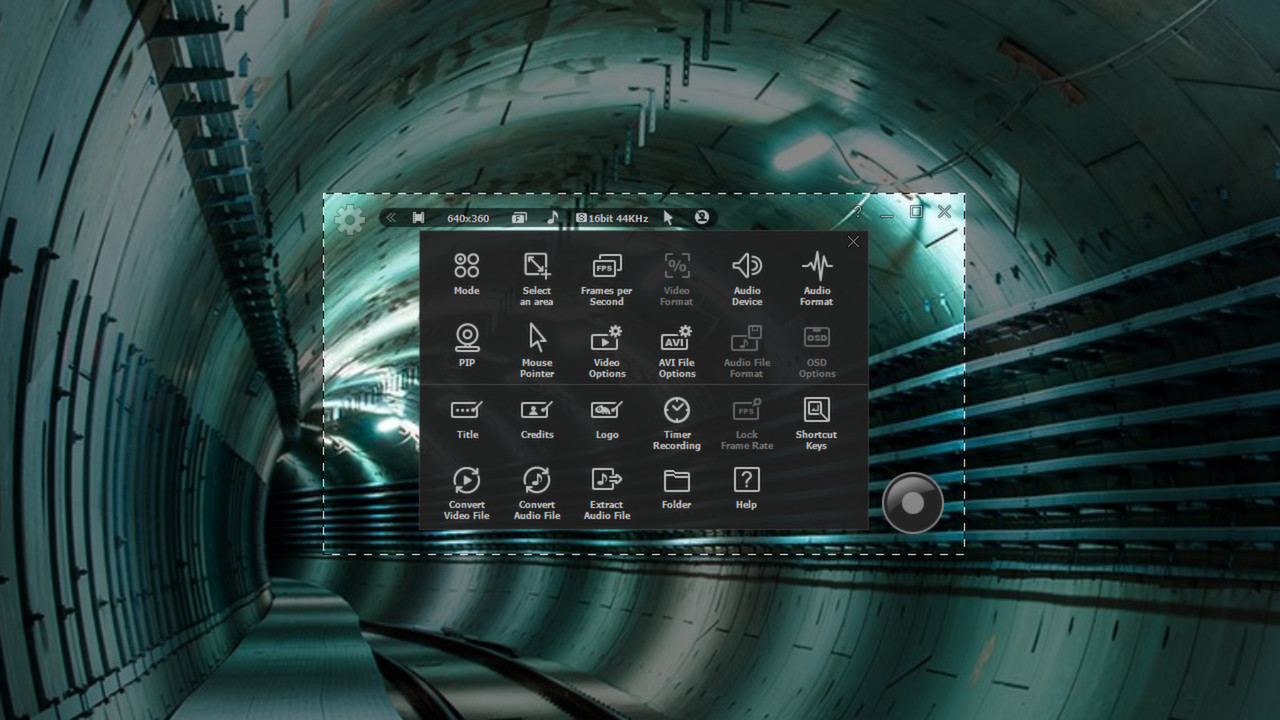
liteCam HD has 3 different recording Mode, Screen Recording Mode, Video Recording Mode, and Audio Recording Mode.
liteCam HD Official Website:
Why you need liteCam HD?
A. Simple, Classic, and ease-to-use interface will make your recording easierB. Record both your computer sound and microphone sound simultaneously
C. Record up to 24 hours with small file size
D. Import and Use your favorite codec to record your activities
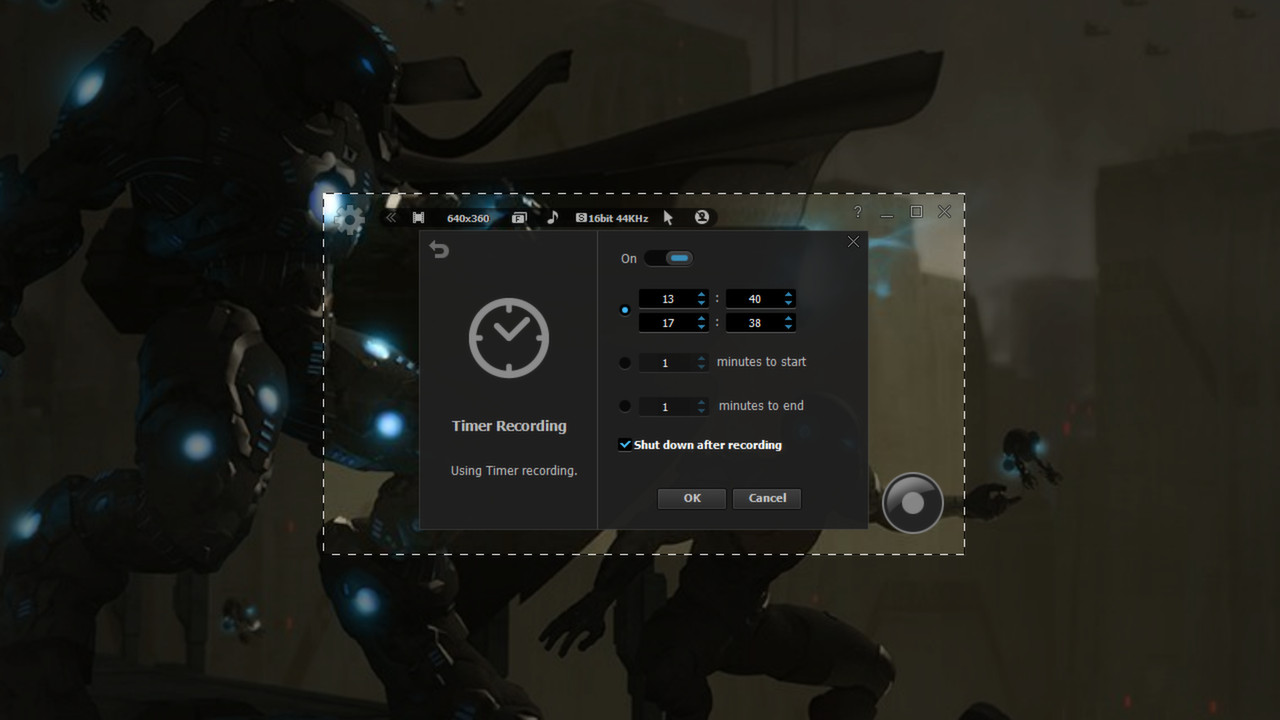
E. Just set the Timer recorder, then automatically turn off the computer when it ends.
F. Convert your videos to MP4 to watch on smartphone.
Amazing Features from ‘liteCam HD: Capture twitch.tv Live Stream’
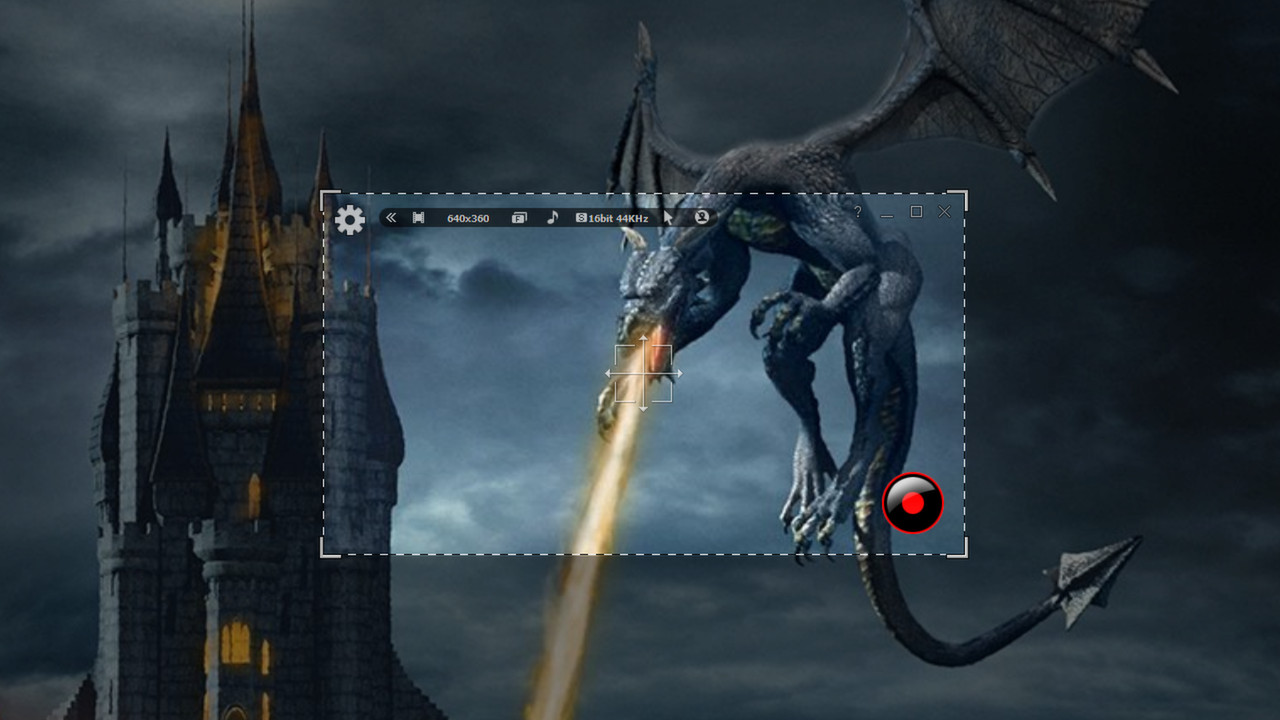
- Screen recording: Record all your activities on your computer screen such us presentation, video calls, Class assignments.
- Video Recording: Record any streaming and non-streaming videos, including twitch.tv, your online lectures, movies.
- Converting Tool: Convert your recorded video to MP4 or WMV or your Audio to MP3, WMA WAV.
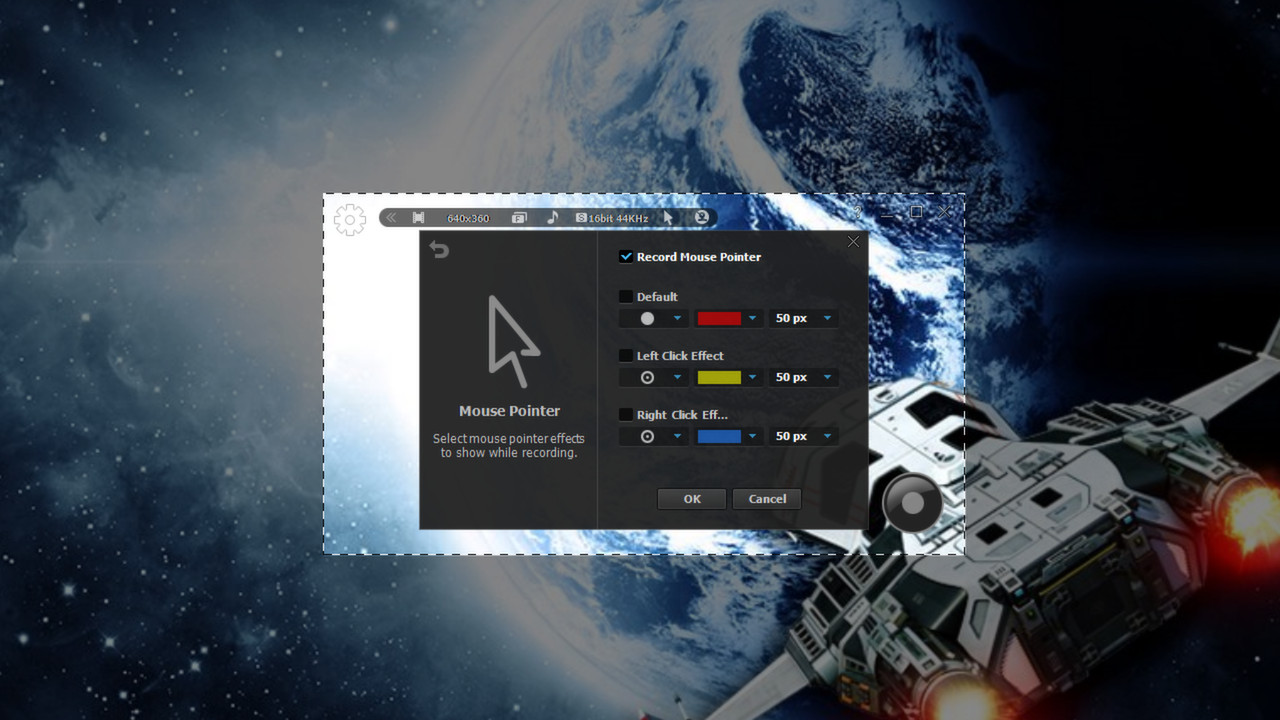
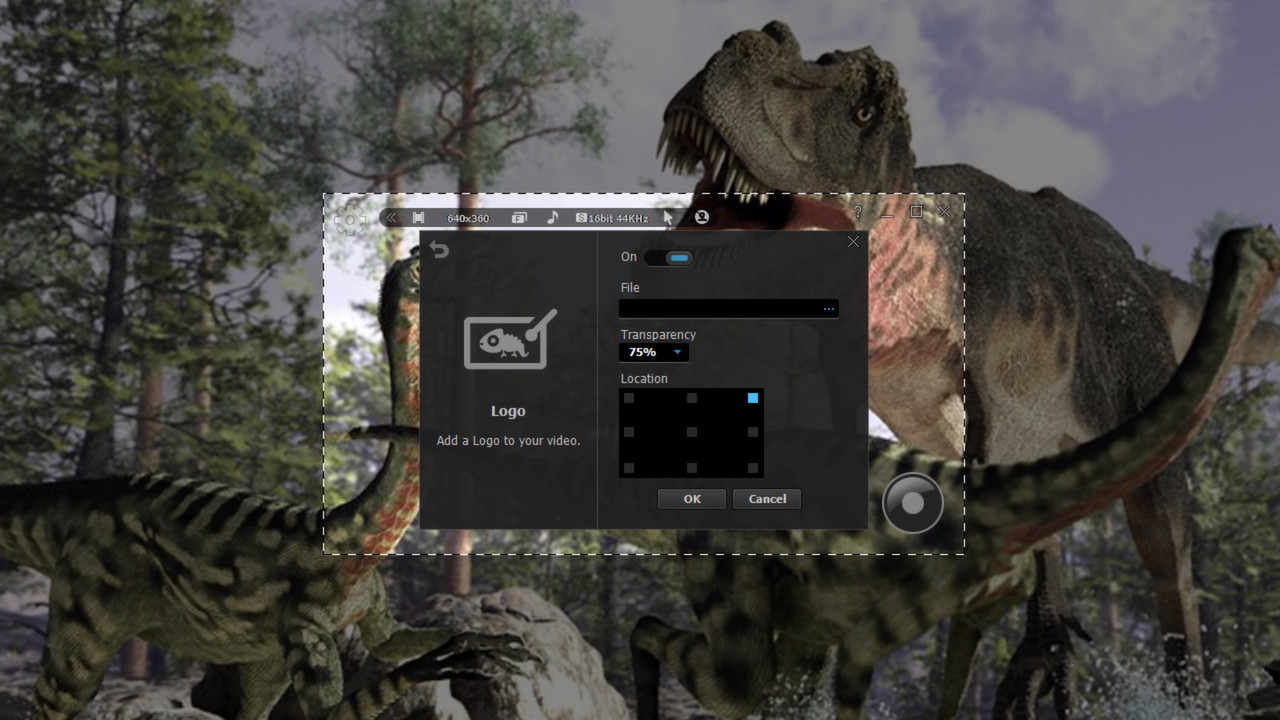
- Add effects to your video. Effects like Mouse Cursor, Video Title, Your OWN Logo, Ending Credits
- Shortcut Keys: Select keyboard keys to use for Record, Stop, Pause, Draw, and Capture for easier and quicker navigation
- Timer Recording: Schedule to record any activity, movies, shows, TV or radio programs, etc.
- Extract audio: Extract any audio from your recorded videos.
- Converter: liteCam HD produce only AVI files however, you can convert them to MP4 or WMV also convert recorded audio to MP3, WMA, or WAV formats
- Capture screenshot: While recording you can take a screenshot and save it as PNG, BMP, or JPG
- PIP: add a webcam(PIP) to your recording to boost the effect of your videos
- Add Logos: Add you custom design logo(s) to your video
- Add Title: add title to your videos
- Add credits: add ending credits to show that you created the video
- Edit Function: After recording any video, you can trim it by deleting some section that you do not want.
Users' Video in YouTube
liteCam HD supports Windows 8liteCam HD Review Screen Recorder
Sketch Up Software Tutorial
Testing out new screen recorder - Amazing Quality
Поддерживаемые языки: english
Что-то не так на этой странице? Сообщите нам
Описание и скриншоты предоставлены издателем через страницу в магазине Steam.
Системные требования
Windows
- OS *: Windows XP, Vista, 7, 8, 10
- Processor: 2GHz dual-core CPU or better
- Memory: 2 GB RAM
- Graphics: 512MB video memory or more. And A graphic card supporting DirectX 9 and WDDM driver.
- DirectX: Version 7.0
- Sound Card: A sound card that supports full-duplexing required.
- Additional Notes: Windows 2000 is not supported.
- OS *: Windows 7 and 8
- Processor: 2GHz dual-core CPU or better
- Memory: 4 GB RAM
- Graphics: 1GB video memory or more.
- DirectX: Version 7.0
- Sound Card: A sound card that supports full-duplexing required.
- Additional Notes: It might drop frames when recording if your computer becomes overburdened or the game play limit FPS less than 100FPS.
Игры, похожие на liteCam HD 5.0: Screen/Stream Capture




Дополнительная информация
| Разработчик | Rsupport Inc. |
| Платформы | Windows |
| Возрастное ограничение | Нет |
| Дата выхода | 27 мая 2014 г. |
| Обзоры пользователей | 43% положительных (42) |