

TurnSignal
Liczba graczy TurnSignal: ostatni pomiar
- Ostatni pomiar
- 20
- Szczyt 30d
- 20
- Rekord od początku pomiarów SteamStat
- 47
Deweloper: Ben Otter
SteamStat śledzi TurnSignal od 8 lutego 2026. Wykres dzienny pojawi się po 7 dniach danych.
Średnia liczba graczy
Według godzin
Liczba graczy TurnSignal według miesięcy
| Miesiąc | Średnio graczy | Zmiana | Szczyt graczy |
|---|---|---|---|
| luty 2026 | 28 | — | 47 |
Na podstawie własnych pomiarów liczby graczy Steam, które SteamStat prowadzi od początku pomiarów. Zmiana porównuje średnią miesiąca z poprzednim miesiącem.
W skrócie
Przy ostatnim pomiarze SteamStat (22 lutego 2026) w grze TurnSignal było 20 graczy. Rekord od początku pomiarów SteamStat to 47 graczy (12 lutego 2026). Premiera: 28 sierpnia 2017, deweloper: Ben Otter.



Opis
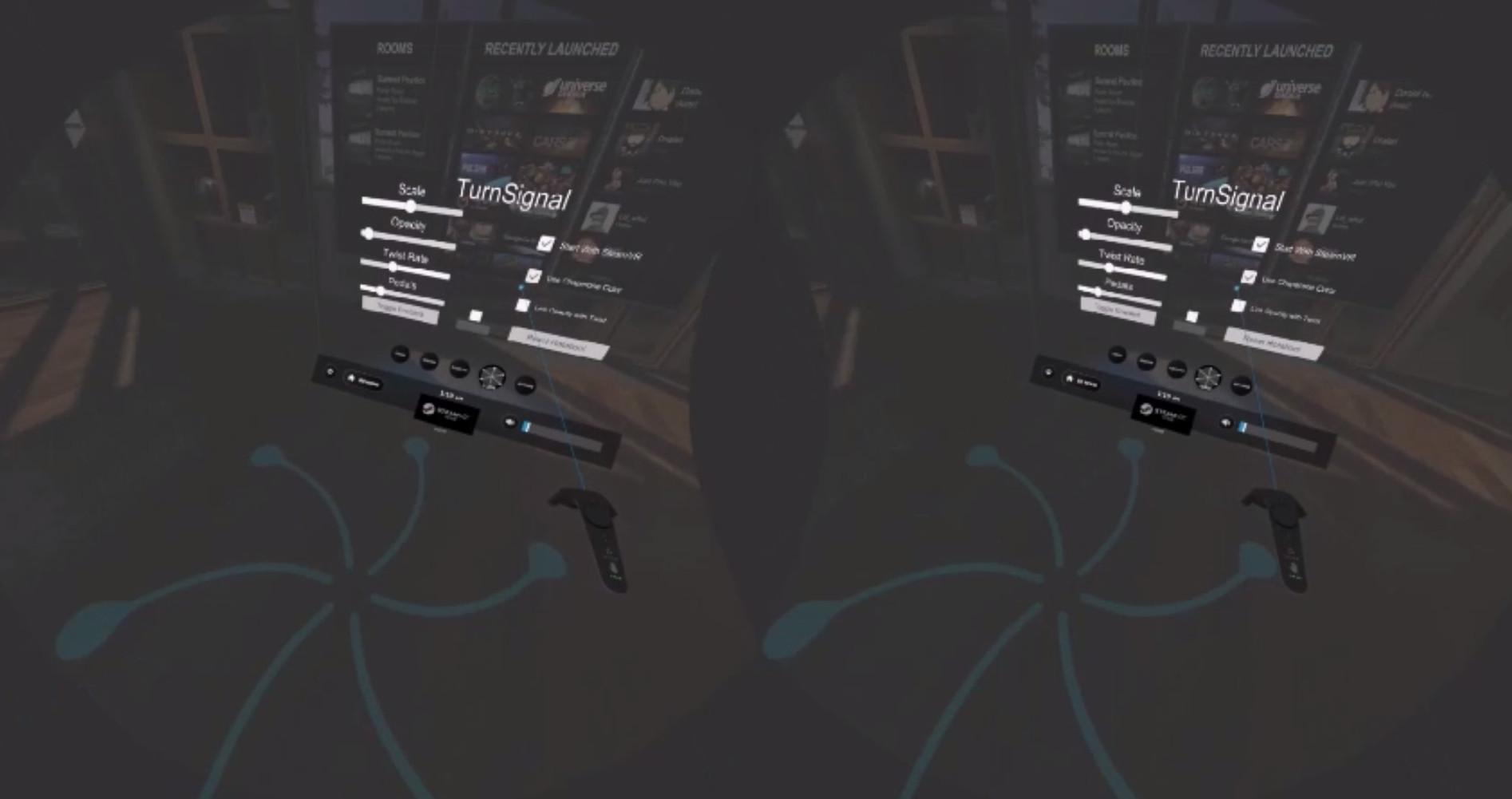
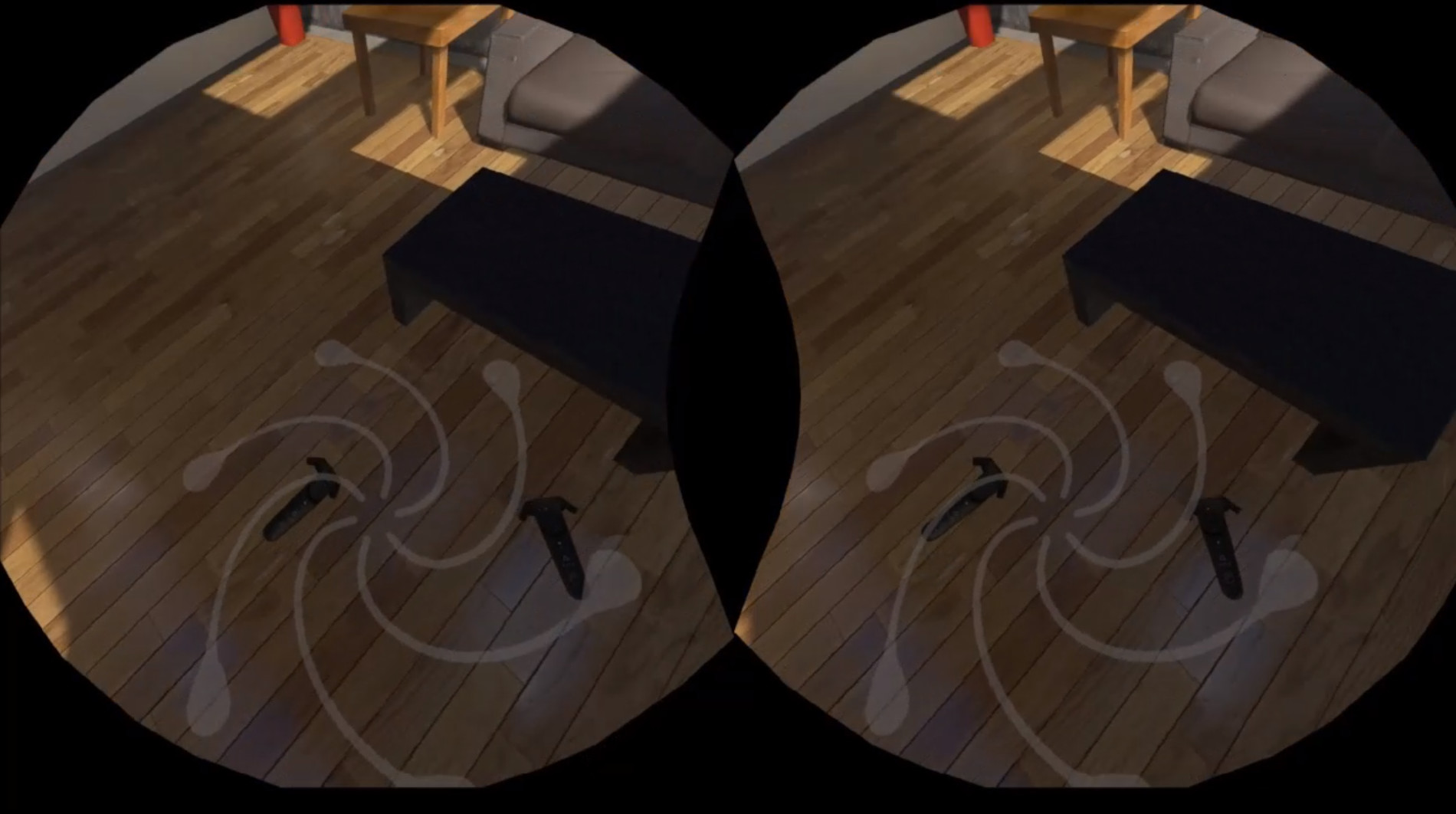
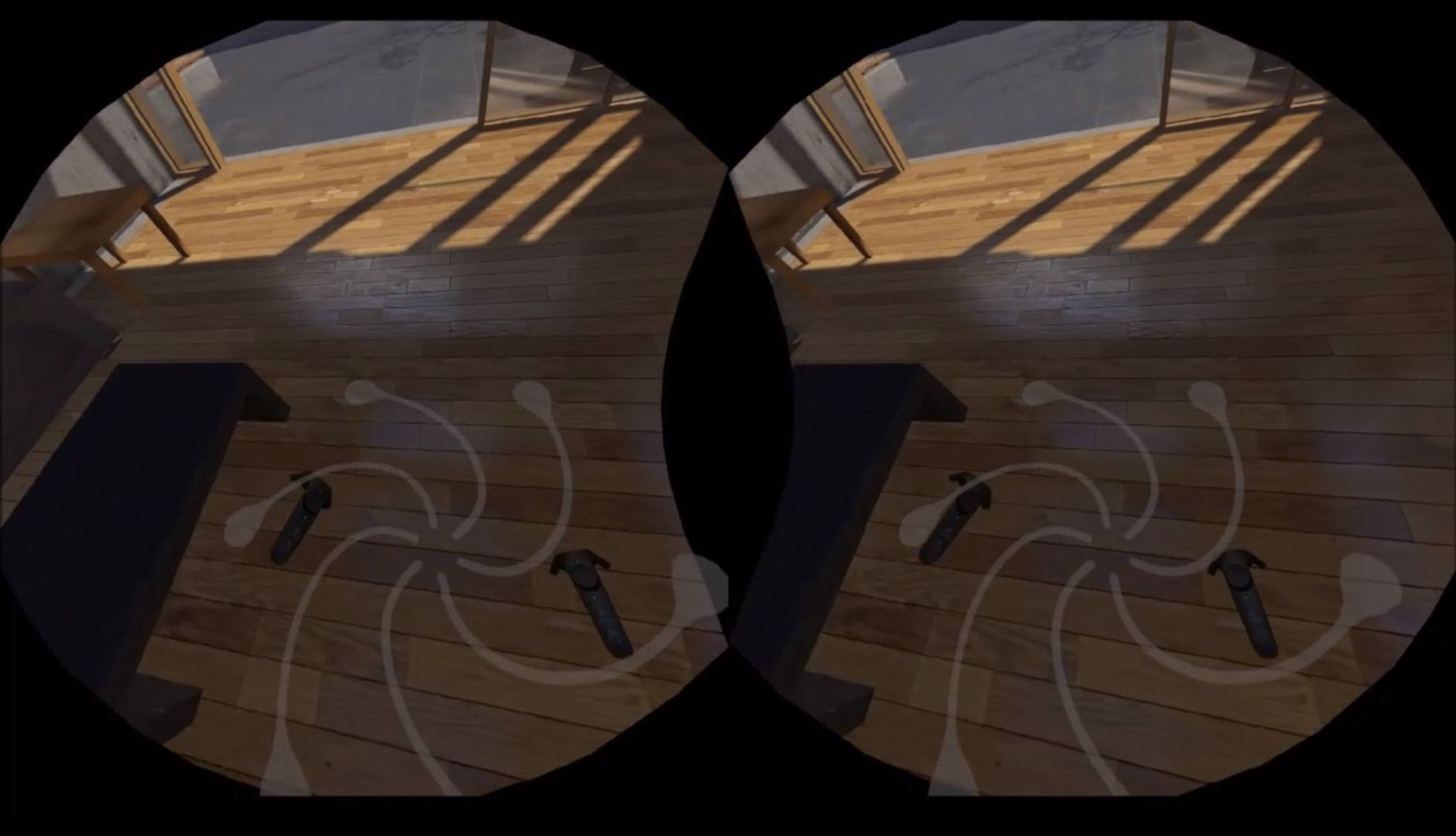
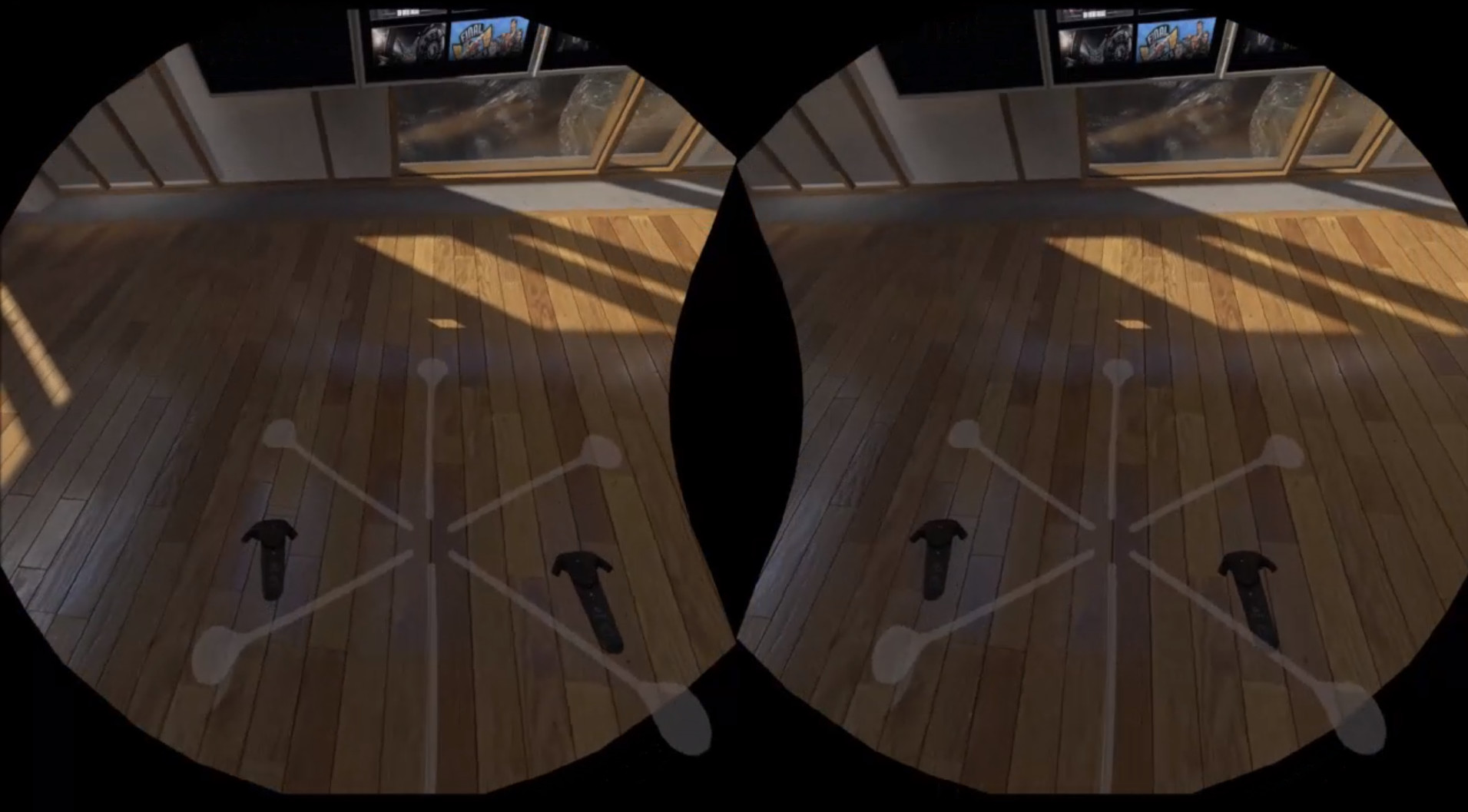
It utilizes a simple graphic, dubbed The 'Flower', overlaid in-game on your play-space floor, that visually represents your turns by twisting with you!
Since everybody's different, the app includes some settings to help ensure it's not intrusive on anyone's play style!
- Added Menu to Main Window to not waste space!
- A Button Toggle to enable/disable the tools in-game display
- A Button to Reset the utilities Rotation Tracking
- An Opacity / Transparency / Height Setting
- A Scale Setting
- A Twist Rate Setting for manipulating the twist-i-ness levels
- A Toggle to Hide the Main Window
- A Toggle for auto-starting and closing the utility with SteamVR
- A Toggle to use Chaperone Color instead of white (real time too!)
- A Toggle to Link Opacity and Twist'ed-ness together, so it becomes more visible the more twisted you are
- A Toggle to only display the Flower / Floor Overlay when the Dashboard is Open
- A link to Controller Settings Menu, for placing flower on hand instead of the floor
- A Toggle to allow the Flower / Floor Overlay to follow the player, and a speed setting slider
That's All!
Progress is ongoing, and bug / feature requests / feedback is always welcome!
Obsługiwane języki: english
Coś nie tak na tej stronie? Daj nam znać
Opis i zrzuty ekranu pochodzą od wydawcy (źródło: strona w Sklepie Steam).
Wymagania systemowe
Windows
- OS *: Windows® 7 SP1, Windows® 8.1 or later
- OS *: Windows® 7 SP1, Windows® 8.1 or later
- Processor: Intel® Core™ i5-4590 or AMD FX™ 8350, equivalent or better
- Memory: 4 GB RAM
- Graphics: NVIDIA® GeForce® GTX 1060 or AMD Radeon™ RX 480, equivalent or better
- Storage: 50 MB available space
- Additional Notes: ( Same As Vive System Requirements, should run on most rigs just fine. )





Dodatkowe informacje
| Deweloper | Ben Otter |
| Platformy | Windows |
| Ograniczenie wiekowe | Brak |
| Data wydania | 28 sierpnia 2017 |
Funkcje
Aktywni gracze
Profile z największą liczbą godzin gry w ciągu ostatnich 2 tygodni


