
OVR Advanced Settings
Liczba graczy OVR Advanced Settings teraz
- Teraz gra
- 2 299
- Szczyt 24h
- 4 505
- Szczyt 30d
- 6 298
- Rekord od początku pomiarów SteamStat
- 6 298
Deweloper: OVRAS Team
SteamStat śledzi OVR Advanced Settings od 7 listopada 2026. Wykres dzienny pojawi się po 7 dniach danych.
Średnia liczba graczy
Według godzin
Liczba graczy OVR Advanced Settings według miesięcy
W OVR Advanced Settings gra teraz 2 299 osób, a szczyt z ostatnich 24 godzin to 4 505. Szczyt w bieżącym miesiącu (listopad 2026) to jak dotąd 6 298 graczy, średnio 4 436.
| Miesiąc | Średnio graczy | Zmiana | Szczyt graczy |
|---|---|---|---|
| listopad 2026 (w toku) | 4 436 | — | 6 298 |
Na podstawie własnych pomiarów liczby graczy Steam, które SteamStat prowadzi od początku pomiarów. Zmiana porównuje średnią miesiąca z poprzednim miesiącem.
Historia cen OVR Advanced Settings na Steam
Ceny w polskim sklepie Steam, waluta PLN.
- Cena teraz
- 36,99 zł
- Najniższa
- 36,99 zł
- Najwyższa
- 36,99 zł
- Zmian ceny
- 0
Cena nie zmieniła się od początku zapisów SteamStat (27 czerwca 2026).
W skrócie
W grze OVR Advanced Settings jest teraz 2 299 graczy — 51% szczytu z ostatnich 24 godzin (4 505). Rekord od początku pomiarów SteamStat to 6 298 graczy (8 listopada 2026). 134 recenzji na Steam ocenia grę jako „Bardzo pozytywne” (88% pozytywnych). Premiera: 14 kwietnia 2020, deweloper: OVRAS Team. Aktualna cena: 36,99 zł.
Szacowana sprzedaż na Steam
Około 6 700 sprzedanych kopii na Steam, najpewniej od 4 000 do 14 000.
Przychód brutto: około $40 000. Po zwrotach, VAT i prowizji Steam twórcy zostaje mniej więcej $23 000.
Valve nie publikuje danych o sprzedaży, więc to nasz szacunek. Liczymy go z 134 recenzji na Steam i ceny bazowej $7,99, dane z 12 listopada 2026. Jak liczymy
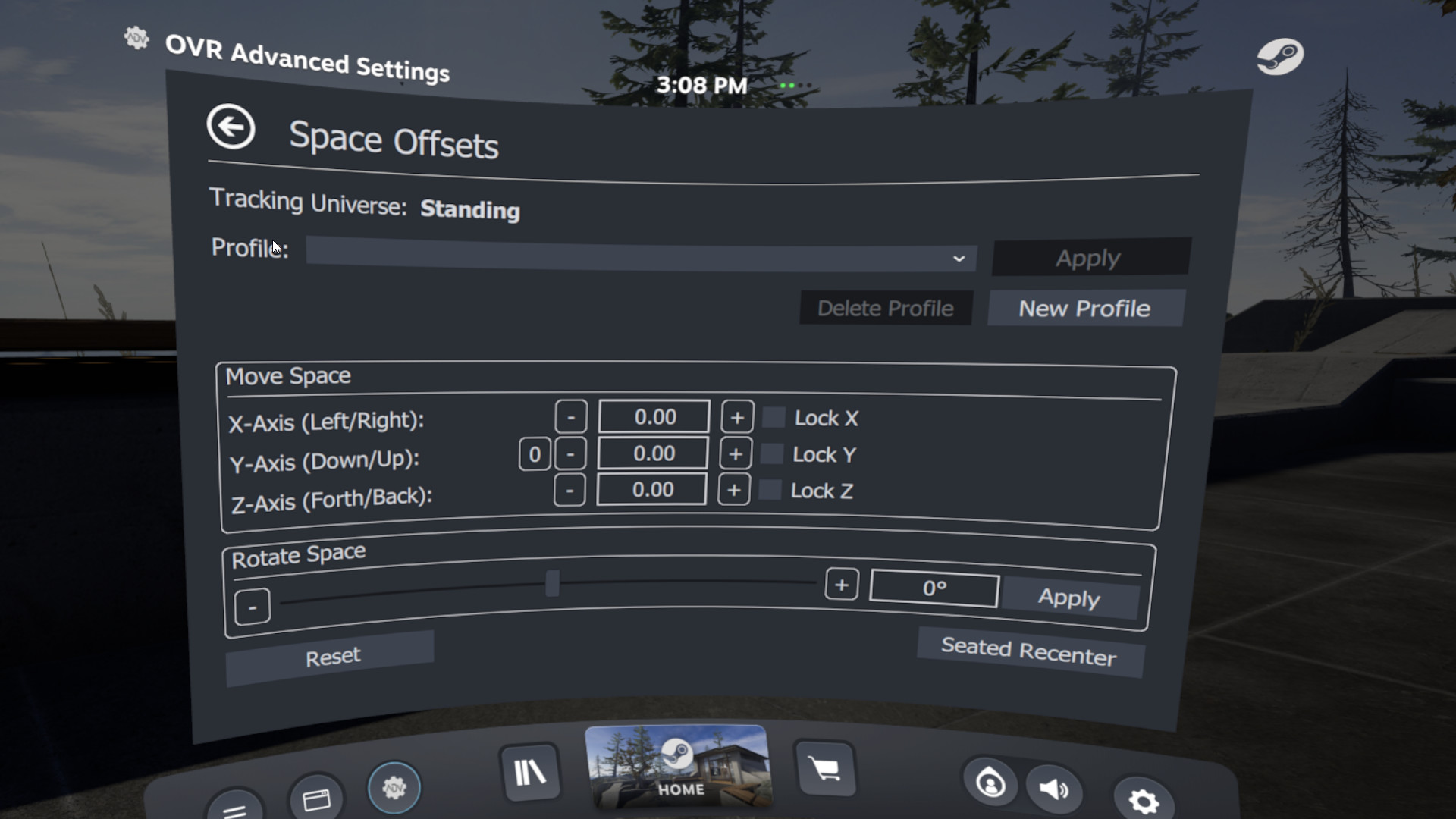
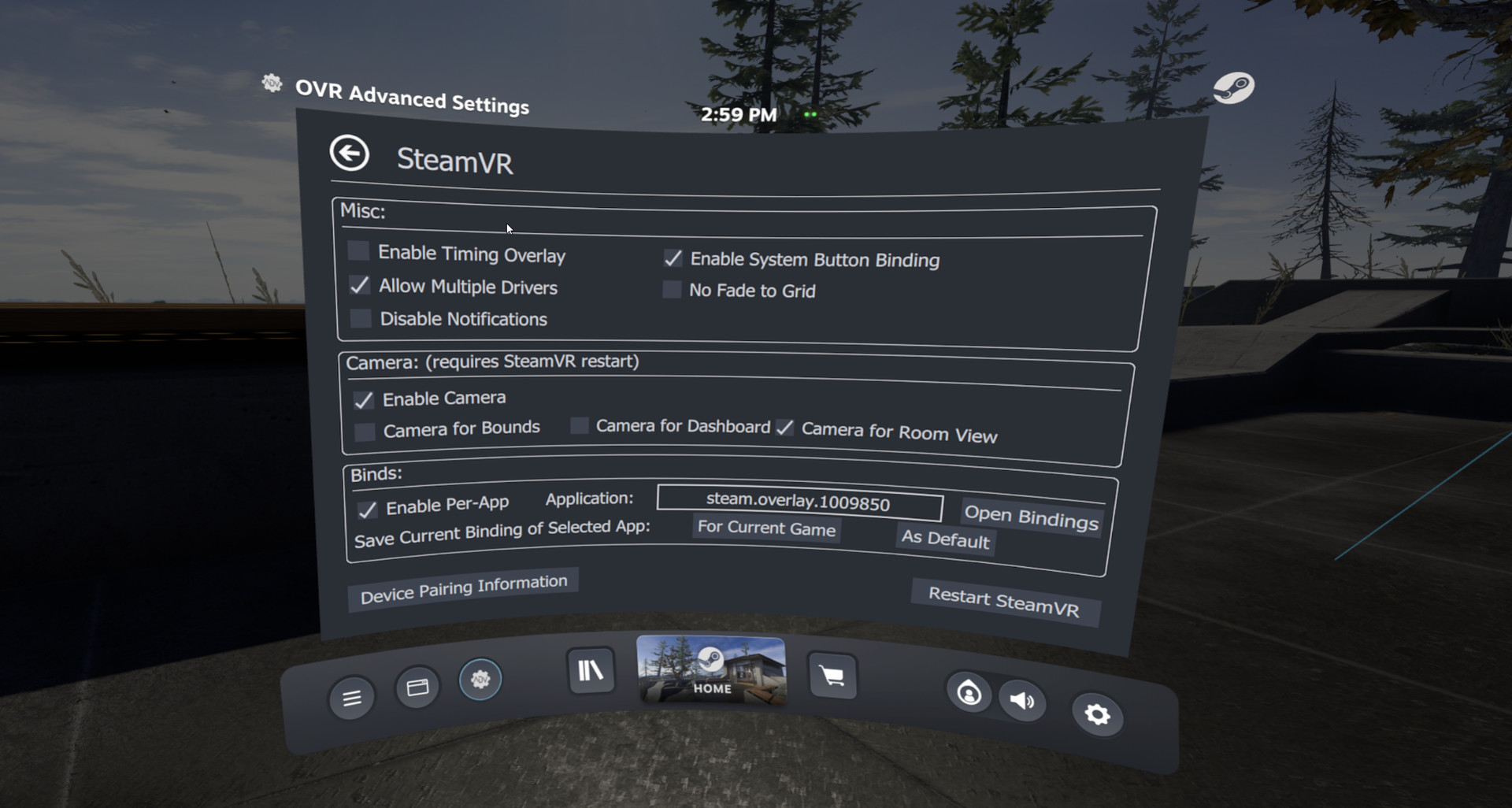
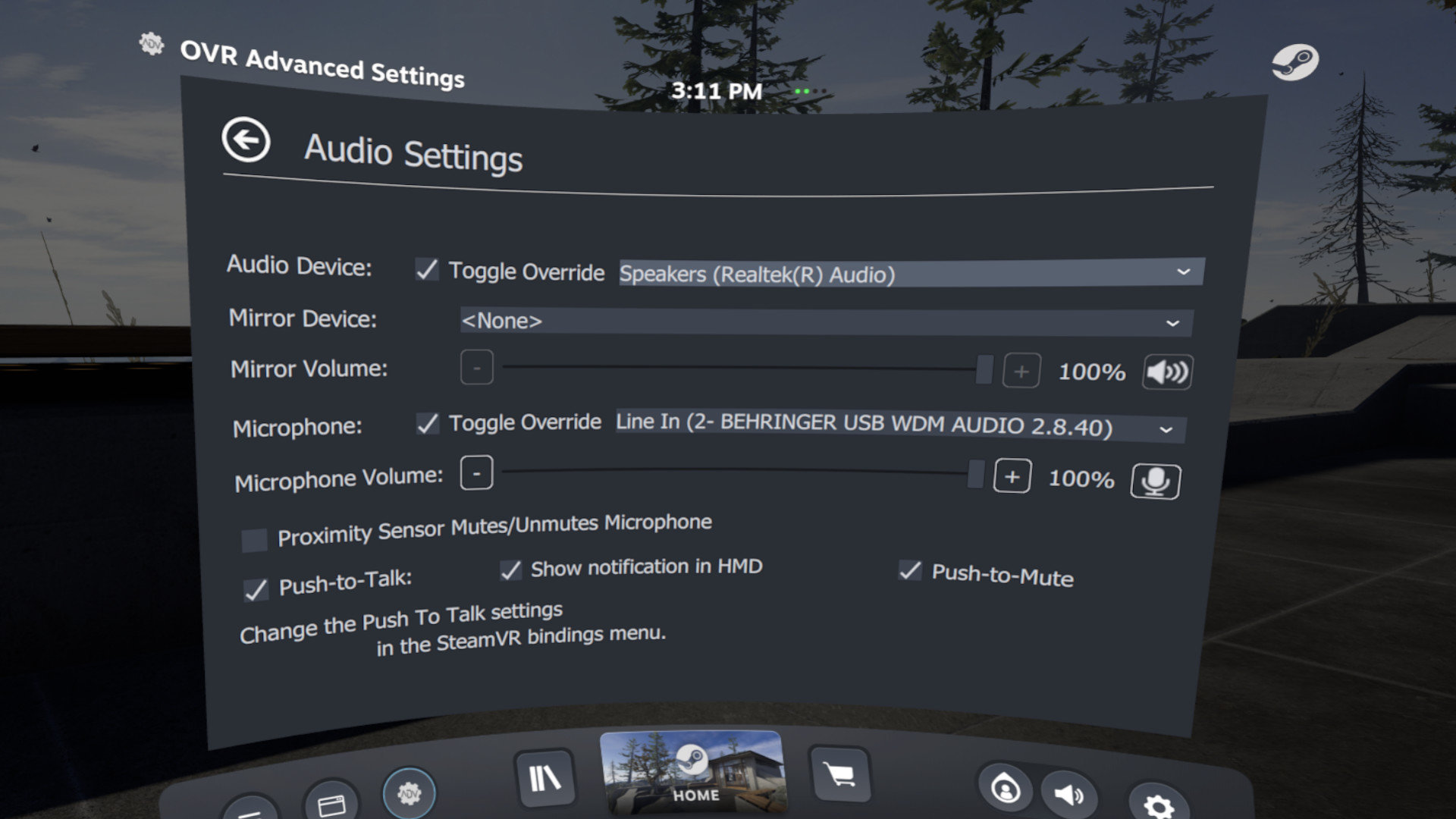
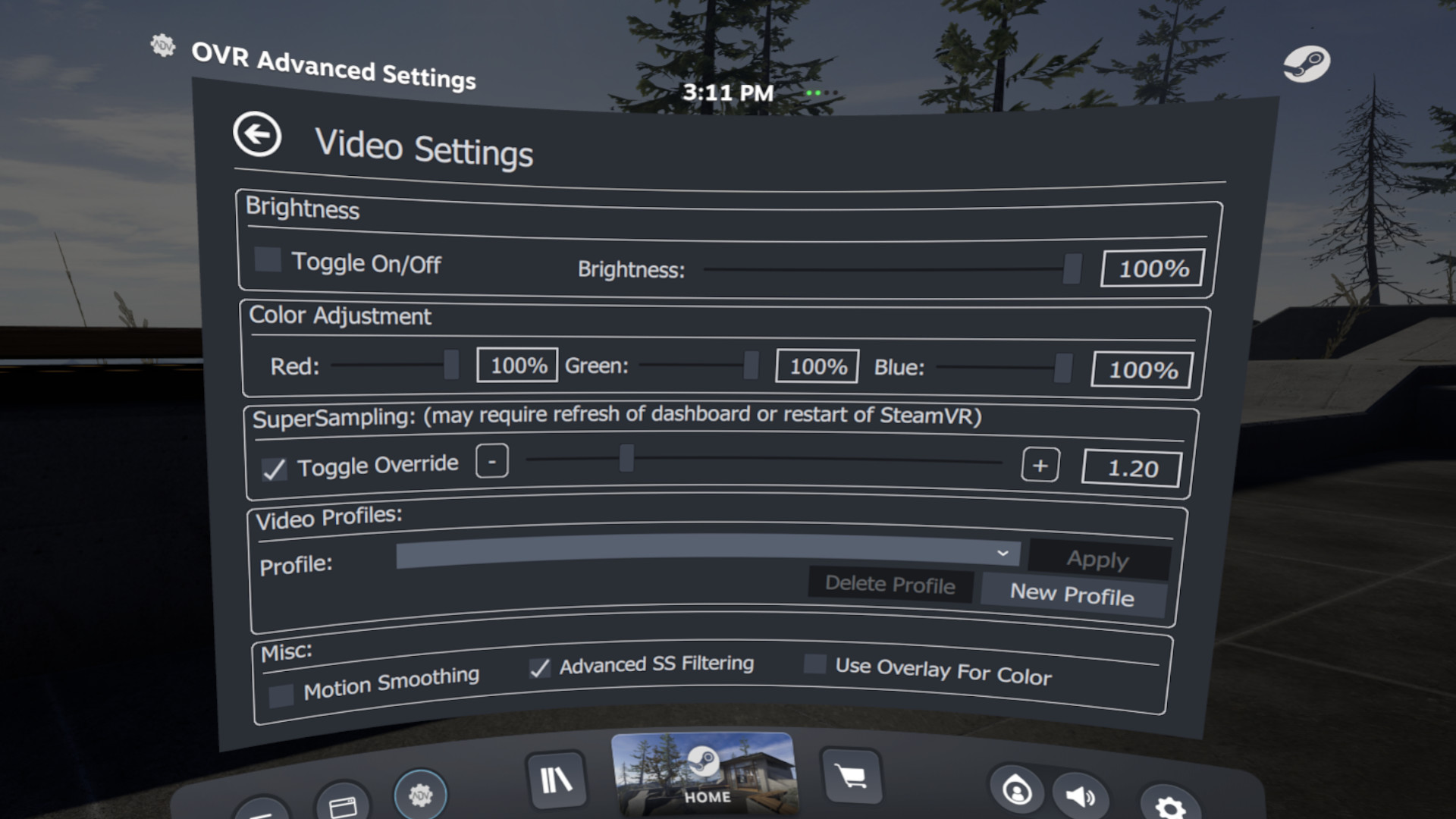
Opis
Features
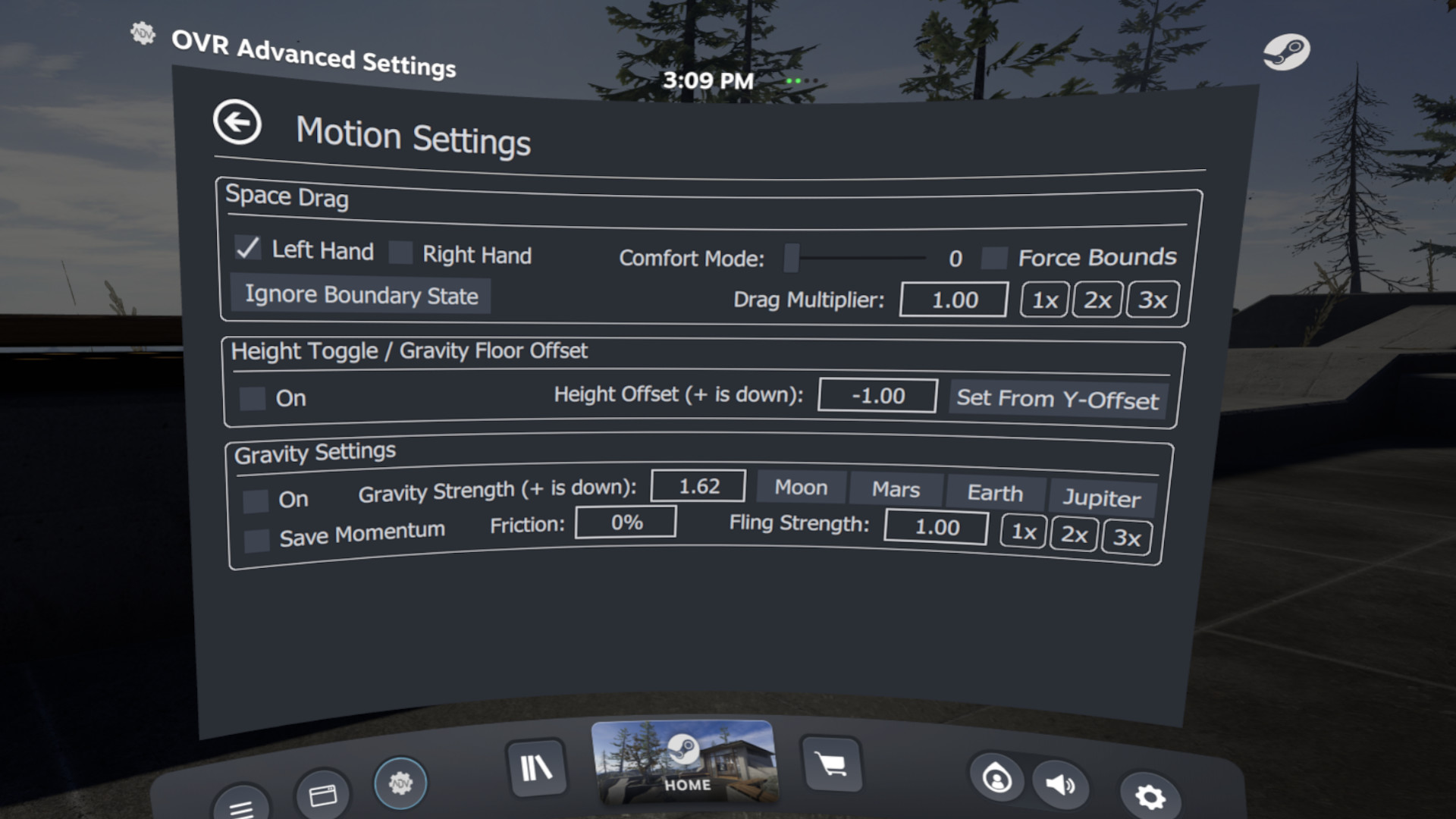
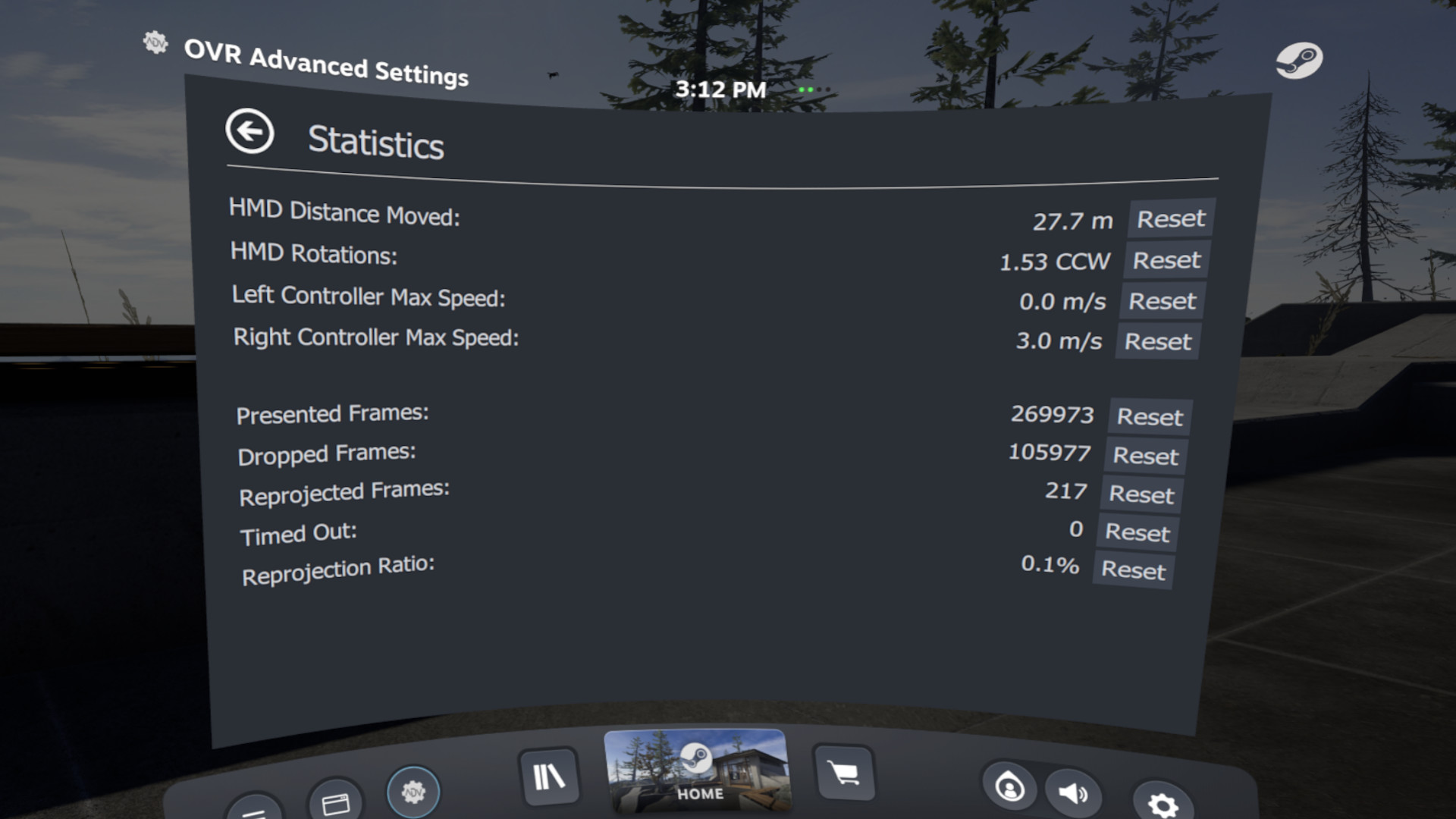
- Space Drag: The ability to virtually move yourself in VR based upon your hand position
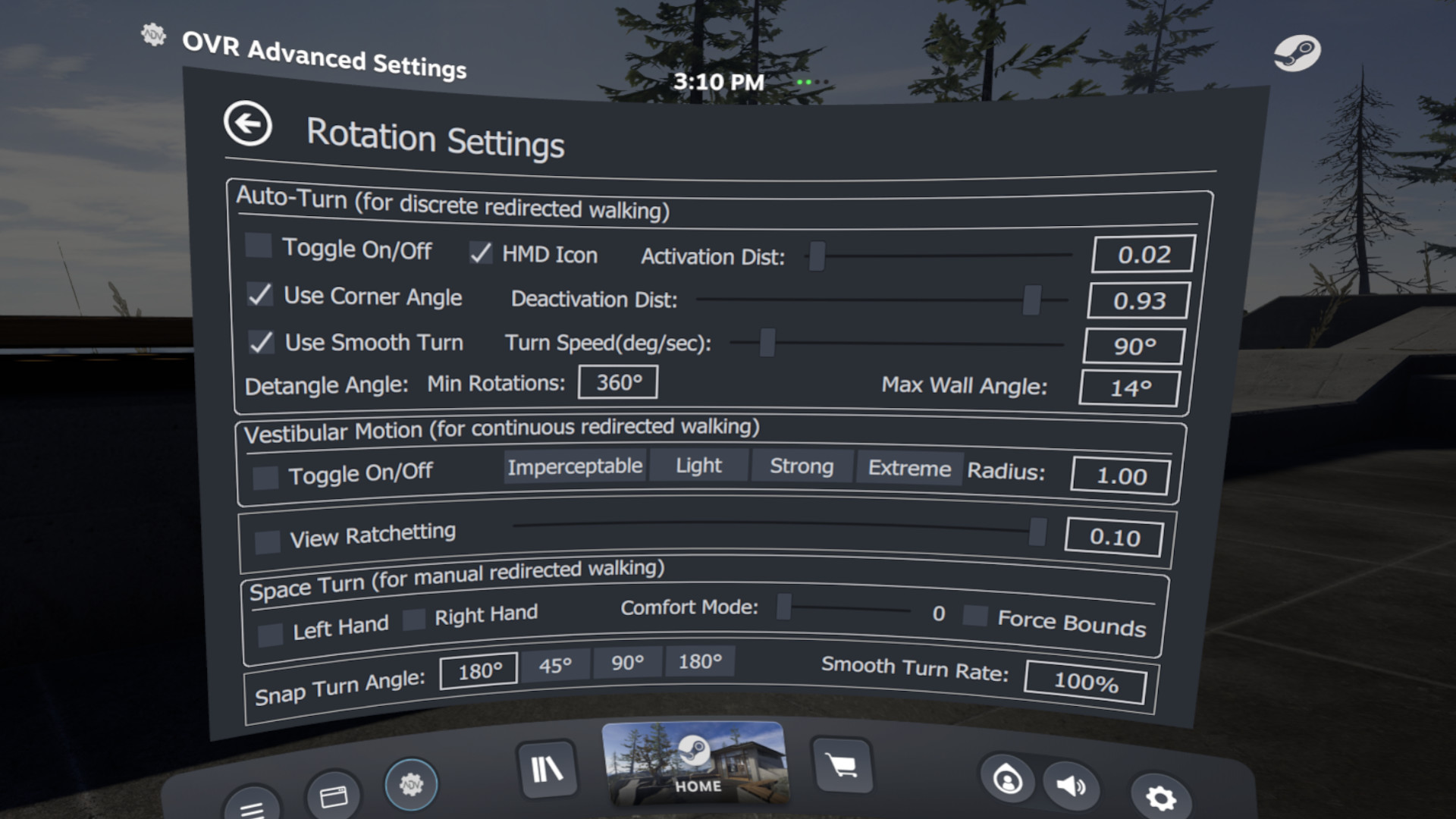
- Space Turn: The ability to virtually turn yourself based on your controller orientation
- Fix Floor: Ability to quickly set your floor height by placing your controller on the ground
- Push-To-Talk/Push-To-Mute: ability to un-mute/mute your mic on a button press
- Universal Snap/Smooth Turn: Add snap turning/smooth turning to ANY SteamVR game
- Brightness Control: Ability to Simulate different levels of brightness inside your HMD
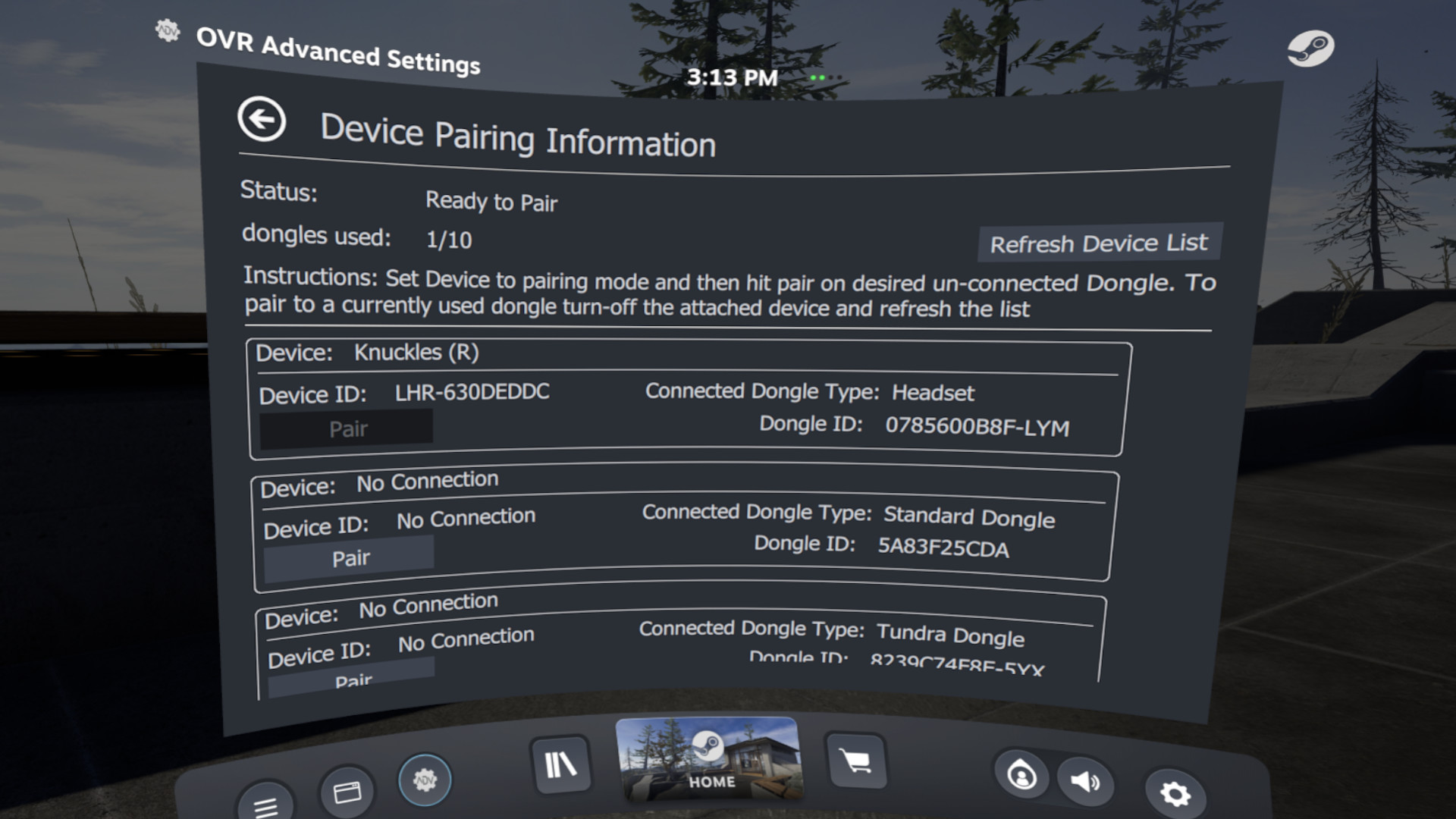
- Lighthouse Device Pairing: Selectively pair your Lighthouse devices (index controllers, vive wands, vive trackers, tundra trackers, etc.) to your selected wireless Dongle
- Per-App Control Bindings: Create SteamVR bindings for overlay applications to apply on a per-app basis
- Player Height Toggle
- Control audio devices, volumes and mirror devices
- and much much more...
Compatibility and Disclaimers
Due to the wide-array of headsets and features, not every Feature will work with every headset.
If you encounter an issue please reach out via our , or the steam community pages.
Intel ARC GPU users – Dashboard Rendering does not properly work, and you will need to use desktop mode.
Some multi-GPU/Laptop systems will have problems rendering in the Dashboard, and you may have to run the overlay in Desktop Mode.
Trailer Music:
"Astra" By NANDAbout the Software
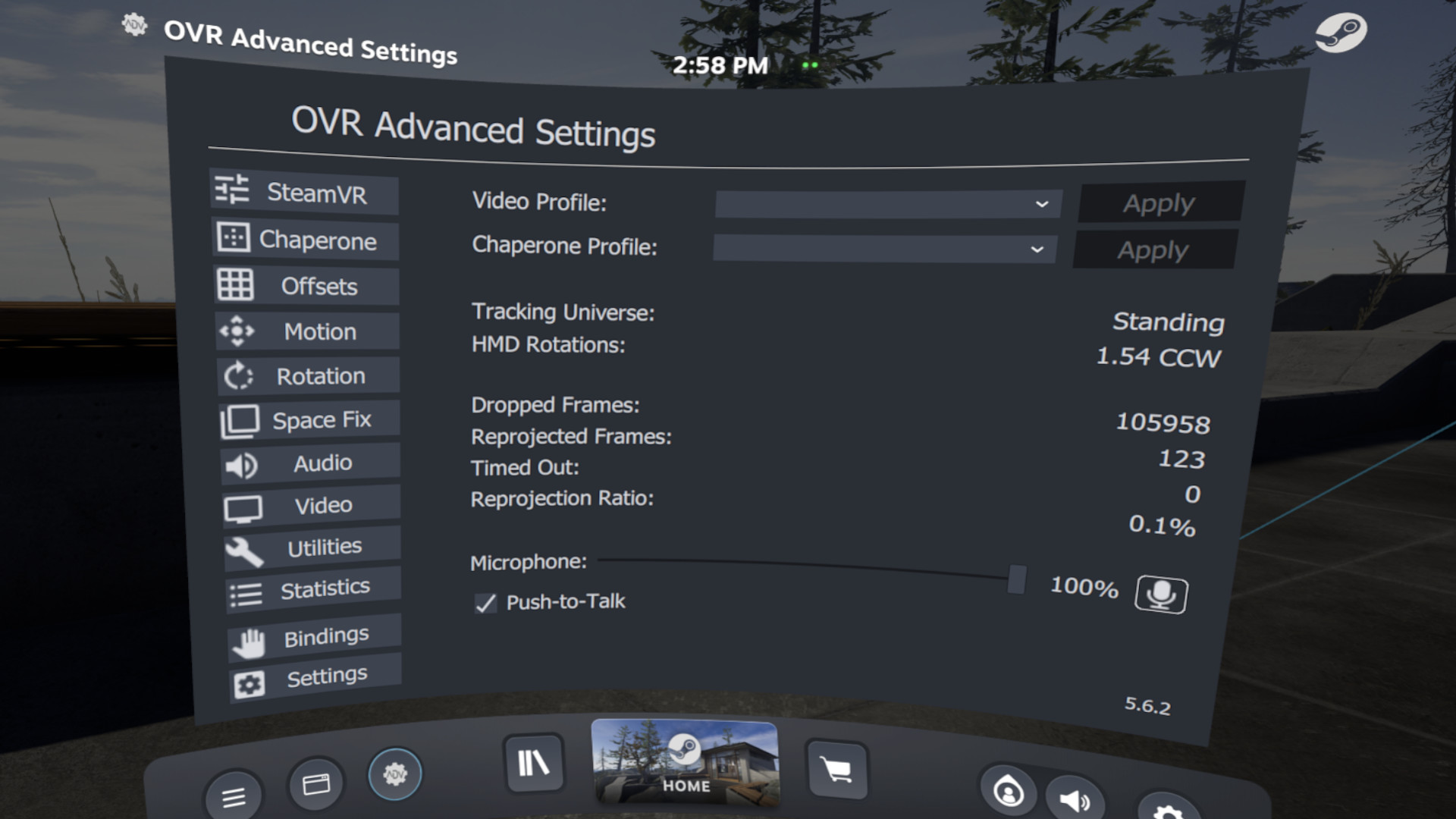
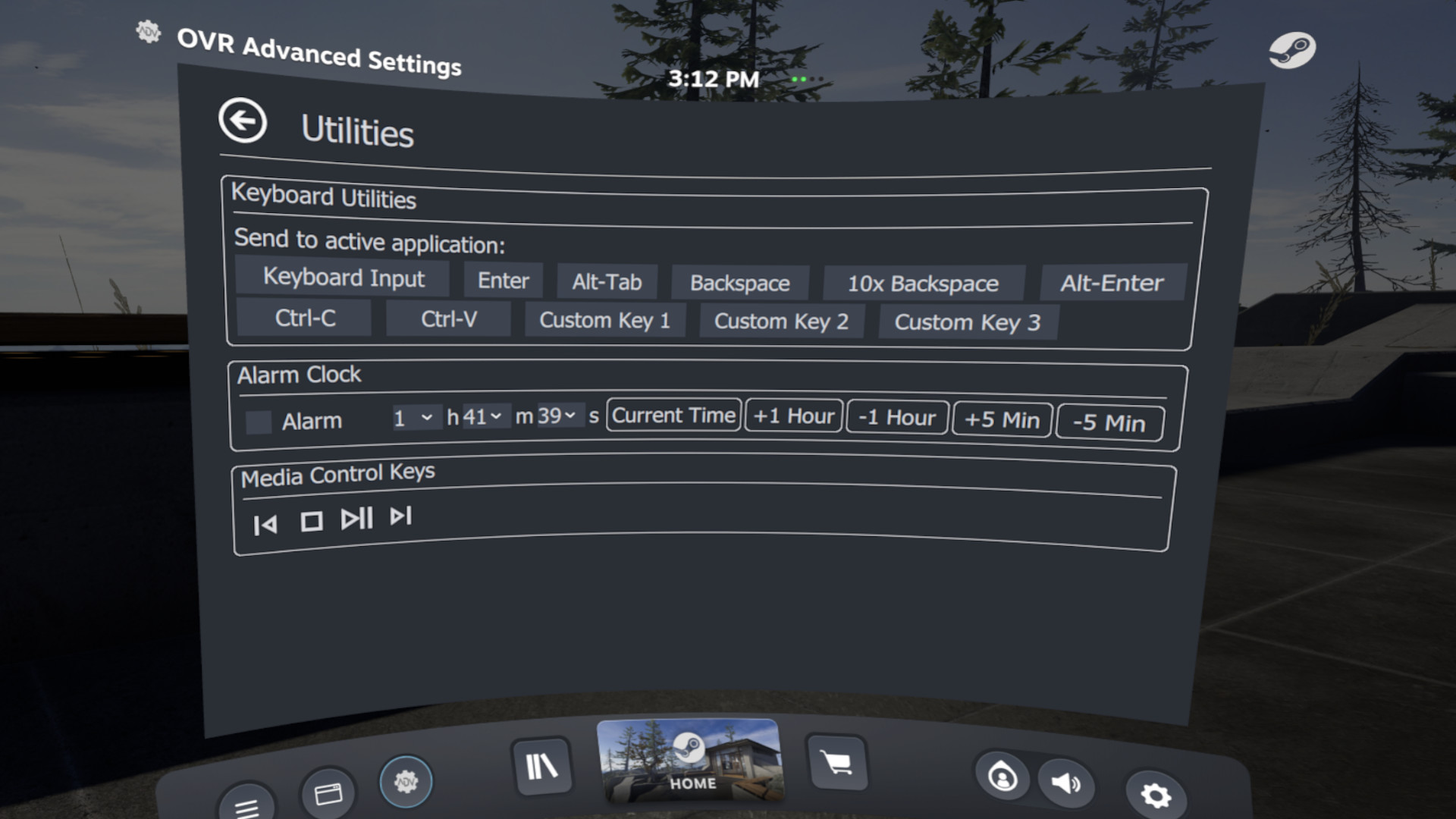
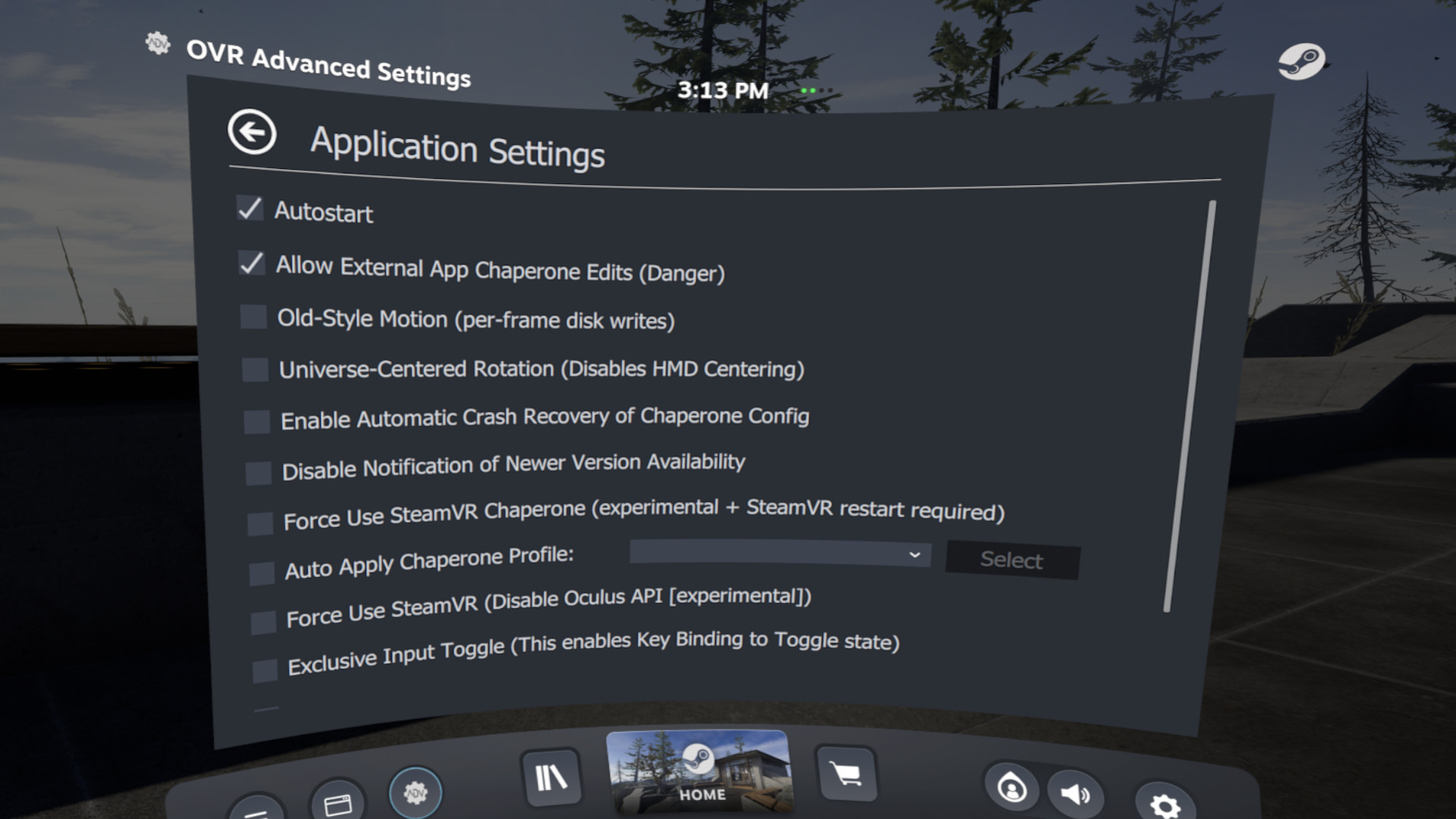
OVR Advanced Settings is a desktop overlay application for SteamVR, giving you a wide array of settings, and utilities all while in VR.
Obsługiwane języki: english
Coś nie tak na tej stronie? Daj nam znać
Opis i zrzuty ekranu pochodzą od wydawcy (źródło: strona w Sklepie Steam).
Wymagania systemowe
Windows
- Requires a 64-bit processor and operating system
- OS: Win 10 x64
- Processor: i5-4590/AMD FX 8350 equivalent or better
- Memory: 4 GB RAM
- Graphics: Nvidia GTX 970/ AMD Radeon R9 290 equivalent or better.
- DirectX: Version 10
- Storage: 300 MB available space
- VR Support: SteamVR
- Requires a 64-bit processor and operating system
- OS: Win 10 x64
- Processor: AMD Ryzen 6-core or better, Intel 8th gen 6-core or better
- Memory: 16 GB RAM
- Graphics: Nvidia GTX 970/ AMD Radeon R9 290 equivalent or better.
- DirectX: Version 10
- Network: Broadband Internet connection
- Storage: 500 MB available space
Mac
Linux
- OS: Ubuntu 16.04/18.04, SteamOS, Arch/Manjaro (64-bit)
- Processor: i5-4590/AMD FX 8350 equivalent or better
- Memory: 4 GB RAM
- Graphics: Nvidia GTX 970/ AMD Radeon R9 290 equivalent or better.
- Storage: 300 MB available space
- OS: Ubuntu 16.04/18.04, SteamOS, Arch/Manjaro (64-bit)
- Processor: AMD Ryzen 6-core or better, Intel 8th gen 6-core or better
- Memory: 16 GB RAM
- Graphics: Nvidia GTX 970/ AMD Radeon R9 290 equivalent or better.
- Storage: 500 MB available space
Gry podobne do OVR Advanced Settings




Dodatkowe informacje
| Deweloper | OVRAS Team |
| Platformy | Windows, Linux |
| Ograniczenie wiekowe | Brak |
| Data wydania | 14 kwietnia 2020 |
| Recenzje użytkowników | 88% pozytywnych (134) |
Recenzje użytkowników
Gatunki
Aktywni gracze
Profile z największą liczbą godzin gry w ciągu ostatnich 2 tygodni


