

Developer: Dragonrise Games





Player Statistics
Updated: November 8, 2026 1:54 AMAverage players
Players Online
YoloX - Crosshair Overlay player count by month
YoloX - Crosshair Overlay has 75 players in-game right now, and the 24-hour peak is 75. The peak so far in November 2026 is 75 players, 71 on average.
| Month | Average players | Change | Peak players |
|---|---|---|---|
| November 2026 (so far) | 71 | — | 75 |
From SteamStat's own samples of the Steam player count since tracking began. Change compares a month's average with the month before.
At a glance
YoloX - Crosshair Overlay has 75 players in-game right now, 100% of its 24-hour peak of 75. The record since SteamStat started tracking it is 75 players, set on November 8, 2026. 26 Steam reviews rate it “Positive” (85% positive). Released on December 21, 2023 by Dragonrise Games. Current price: $3.19.
Description
Always-Visible Crosshair
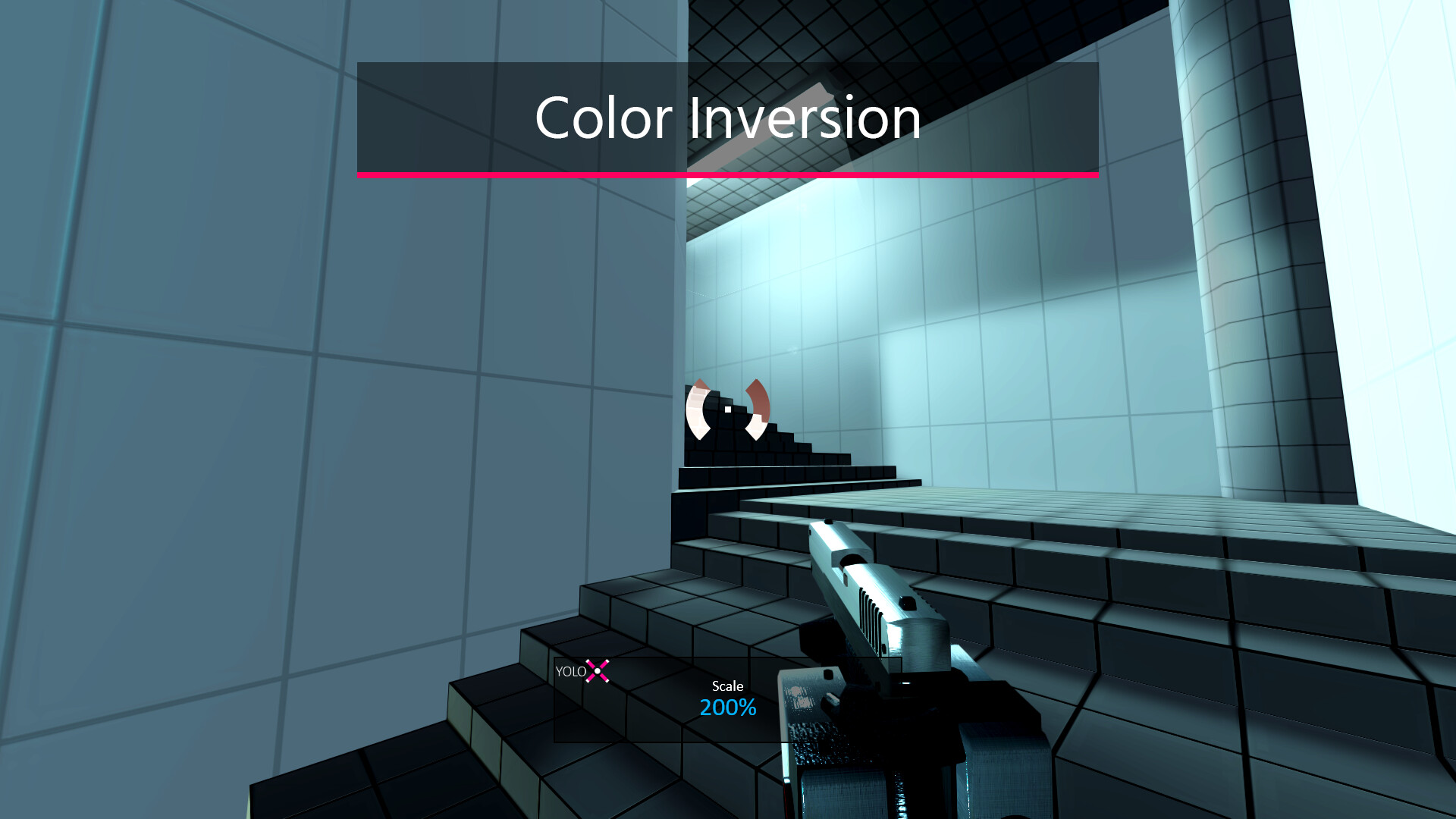
Automatically inverts color against the game so your crosshair stays visible over any background.Zoom
Add scope-style zoom to any weapon — even a knife!Audio Sensor
Visual reactions to game audio. Listen to music without missing important cues like shots or footsteps.Features
- Always-Visible: Dynamic color inversion ensures consistent crosshair visibility.
- Anti-Cheat Safety: GameBar support, whitelisting, code signing, overlay only (no dangerous hooks).
- Fullscreen: Works in dedicated fullscreen.
- Fast & Lightweight: Highly optimized. No lag. No FPS drops.
- Profiles: Per-game crosshair, size, offset, and hotkeys.
- Audio Sensor: Visual reactions to game audio like shots or footsteps.
- Motion Sensor: Visual reactions to mouse activity or movement.
- Animations: Separate animations for main fire, alt fire, jump, and more.
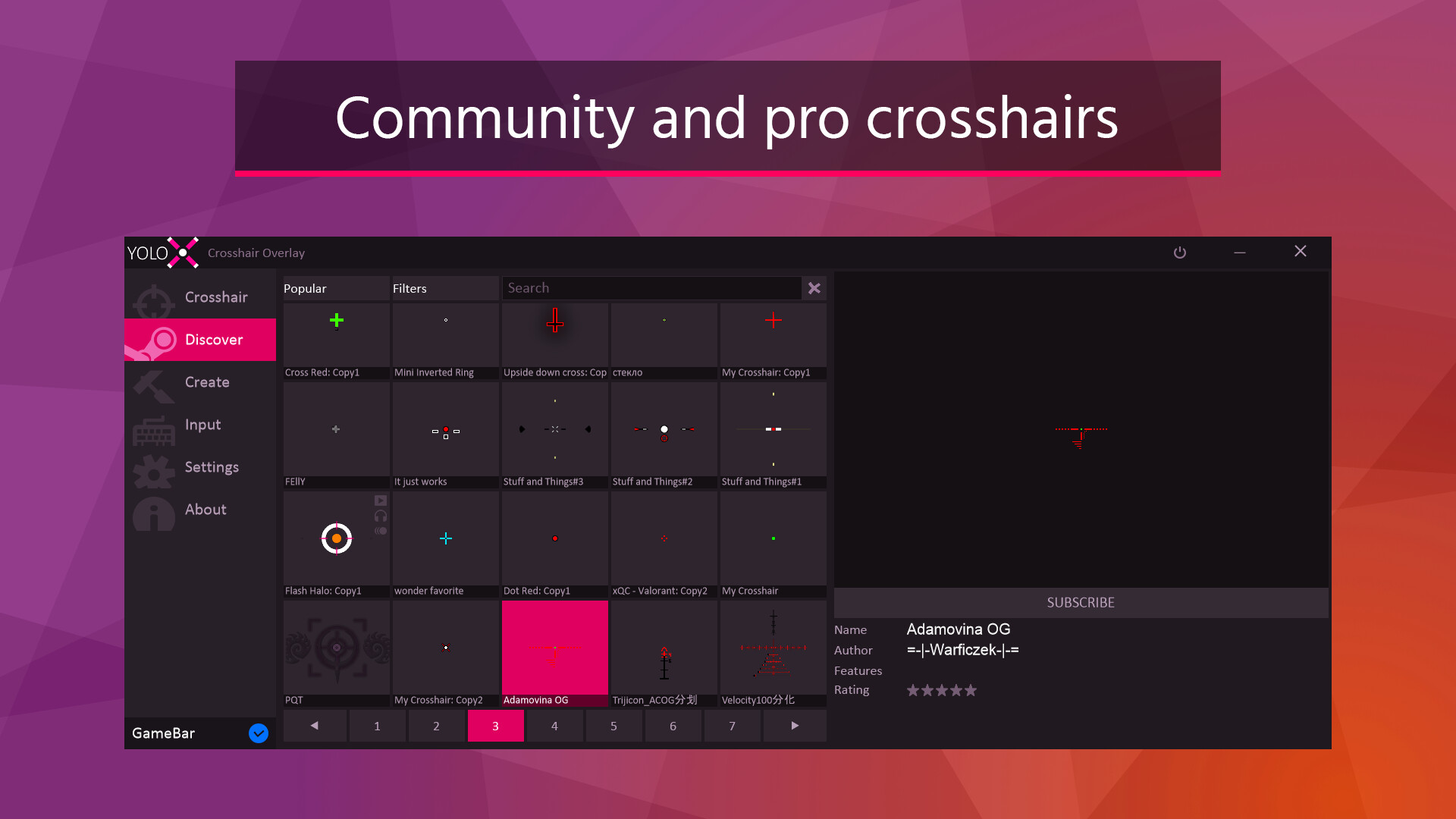
- Variety: Includes many crosshairs and more by community users, pros, and streamers.
- Publish: Publish to the community and share with friends.
- Hotkeys: Switch crosshairs, scale, offset, toggle visibility, or zoom power.
- Settings: Settings to autohide, autostart, desync from Steam (hide playing status), and more.
- Input: XBox controller support.
Crosshair Creation Features
Design simple or advanced crosshairs with full creative control.- Layers: Multiple layers allowing complex designs.
- Shapes: Use included vector shapes or add your own images.
- Patterns: Single, dual, T, or + patterns.
- Blending and Effects: Inverted, zoom, blur, and more.
- Actions: Separate animations by main fire, alt fire, and idle.
- Animation: Full keyframe animation with tweenable properties like position, rotation, color, and images.
- Audio and Motion: Customize crosshair response to audio and motion.
- Any crosshair is possible!
Getting Started
Open your game and press CTRL+SHIFT+P to assign a crosshair. Repeat to assign other crosshairs. For the full menu, click the pink X taskbar icon.Notes
- Effects: Inverted color, zoom, audio, and motion effects are crosshair-specific and depend on the crosshair design. Included crosshairs demonstrate all features.
- Anti-Cheat Safety: YoloX operates like other widely accepted game overlays and includes multiple safety and compliance measures. It is routinely tested with major FPS titles. Always verify compatibility with a specific game’s ToS before use.
- Dedicated Fullscreen: When not using Game Bar, this may require enabling the NVIDIA setting: Vulkan/OpenGL Present Method: prefer DXGI swapchain
Supported languages: english, simplified chinese, korean, russian, german, portuguese - brazil, spanish - latin america, portuguese - portugal, spanish - spain, traditional chinese, vietnamese, french, japanese, polish, turkish, ukrainian
Something wrong on this page? Let us know
Description and screenshots are provided by the publisher via the Steam Store page.
System Requirements
Windows
- Requires a 64-bit processor and operating system
- OS: Windows 10, Windows 11
- Processor: Intel or AMD CPU
- Memory: 100 MB RAM
- Graphics: Nvidia, AMD, or Intel GPU
- DirectX: Version 10
- Storage: 10 MB available space
- Requires a 64-bit processor and operating system
- OS: Windows 10, Windows 11
- Processor: Recent Intel or AMD CPU
- Memory: 100 MB RAM
- Graphics: Recent Nvidia, AMD, or Intel GPU
- DirectX: Version 11
- Storage: 50 MB available space
Mac
Linux
User Reviews
Its great, but i want to have more high resolution images past 512x to allow LPVO reticles to be used and it will be an amazing app to have virtual LPVOs. (atleast 3300x)
Inverted colors work 5/10 times.
Audio sensor i found personally repeating sounds like it was echo or not picking them up at all.
Positives are : you can create own crosshair that might end up working with for example inverted colors.
Great idea(s) but execution lacks for now.
The coinflip on does something work or not being main issue leads me to not being able to recommend.

Great tool with lots of functionality, nice updates by a supportive and responsive dev, fixing and adding features. Very good stuff. Same things can be said about YoloMouse.
The perfect way to make your shots look intentional! It won't aim for you, but at least your crosshair will look like it knows what it's doing. 10/10 I like the audio sensor feature!
Its cool cant open the app tho
Games similar to YoloX - Crosshair Overlay





Additional Information
| Developer | Dragonrise Games |
| Platforms | Windows |
| Age rating | None |
| Release date | December 21, 2023 |
| User reviews | 85% positive (26) |
