
Developer: Eduard Kozadaev
At a glance
6 Steam reviews rate it “Not enough reviews” (33% positive). Released on June 2, 2020 by Eduard Kozadaev. Current price: $7.99.
Description
PlayClaw draws the overlay right over a game frame and it doesn't matter what video mode is used in a game. That is why you can switch your game to fullscreen and get minimal input lag. Finally!
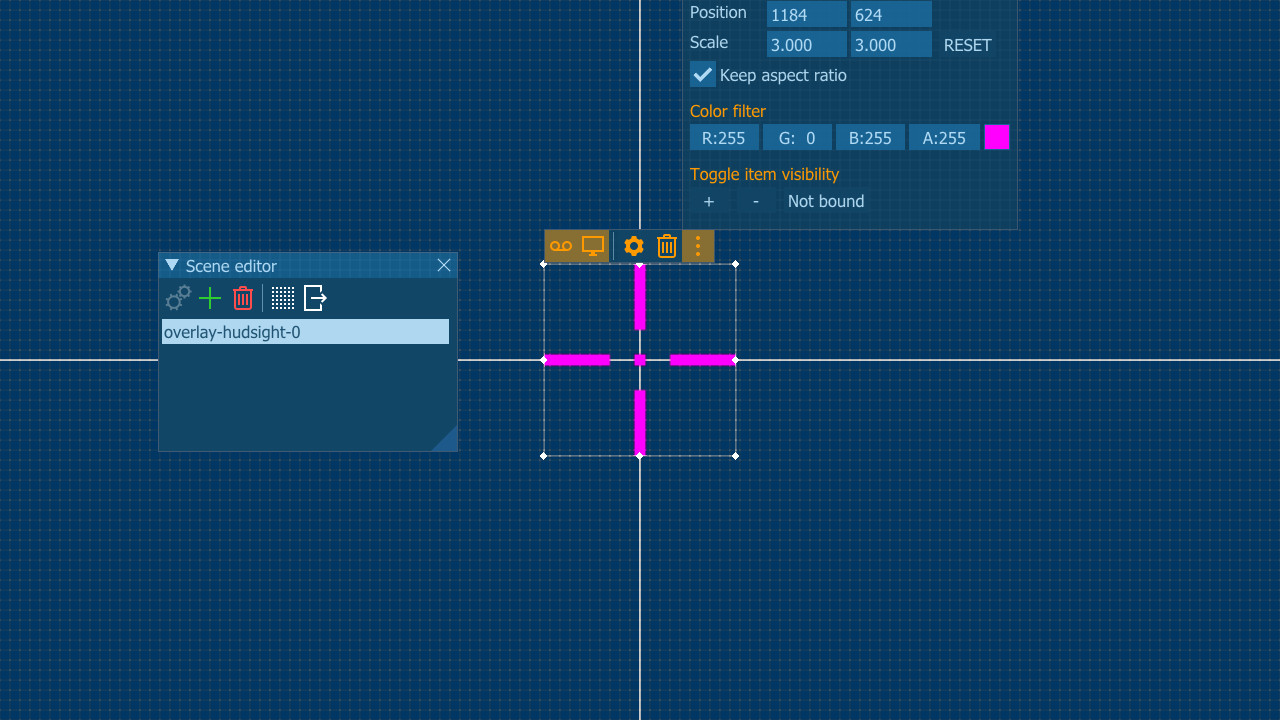
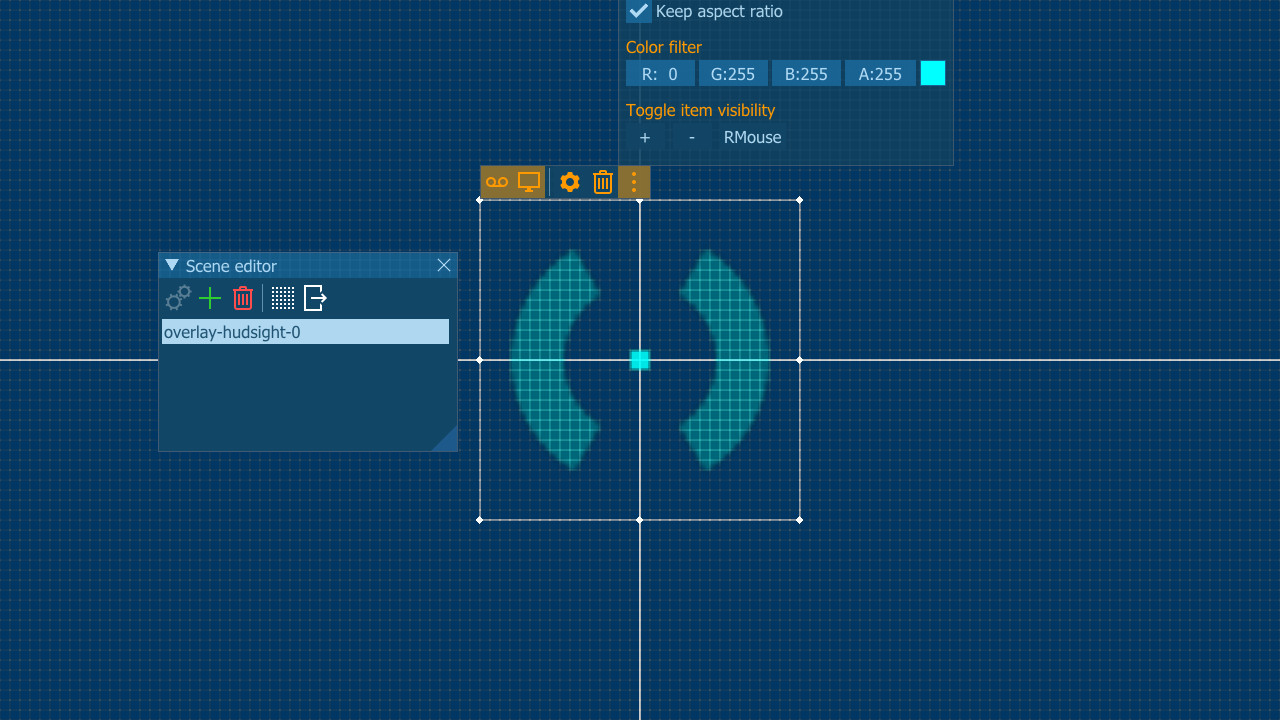
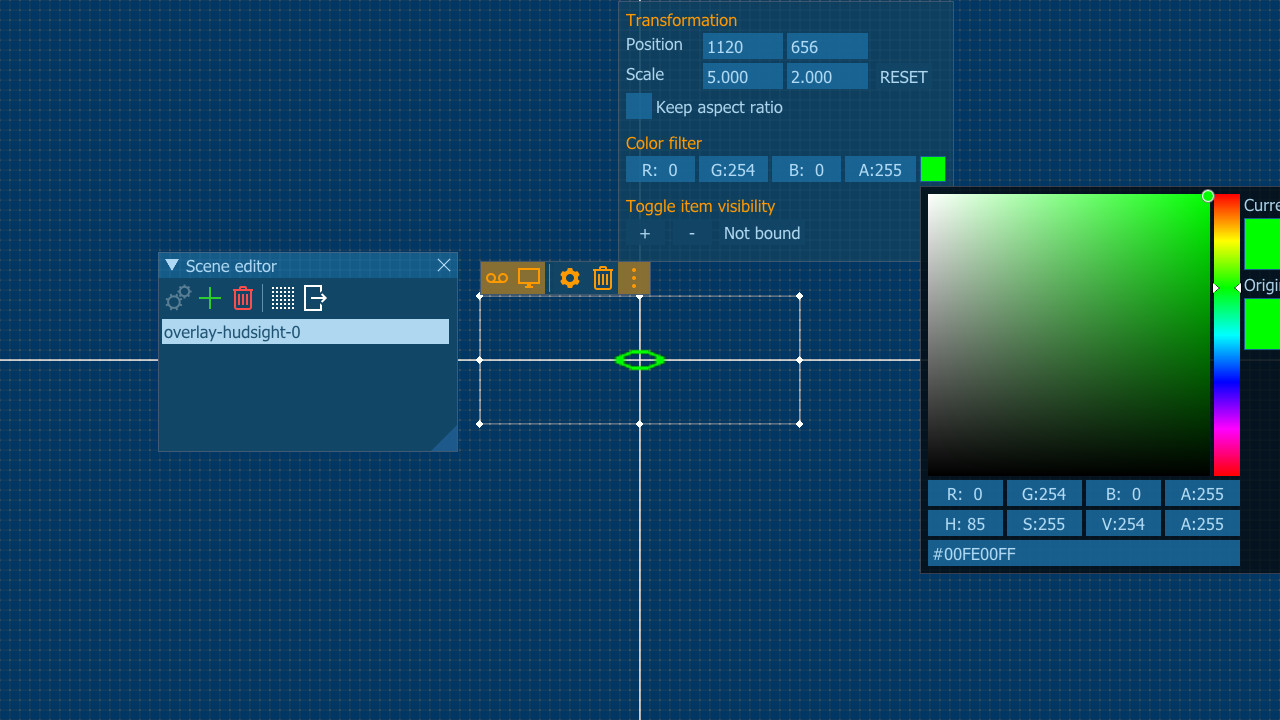
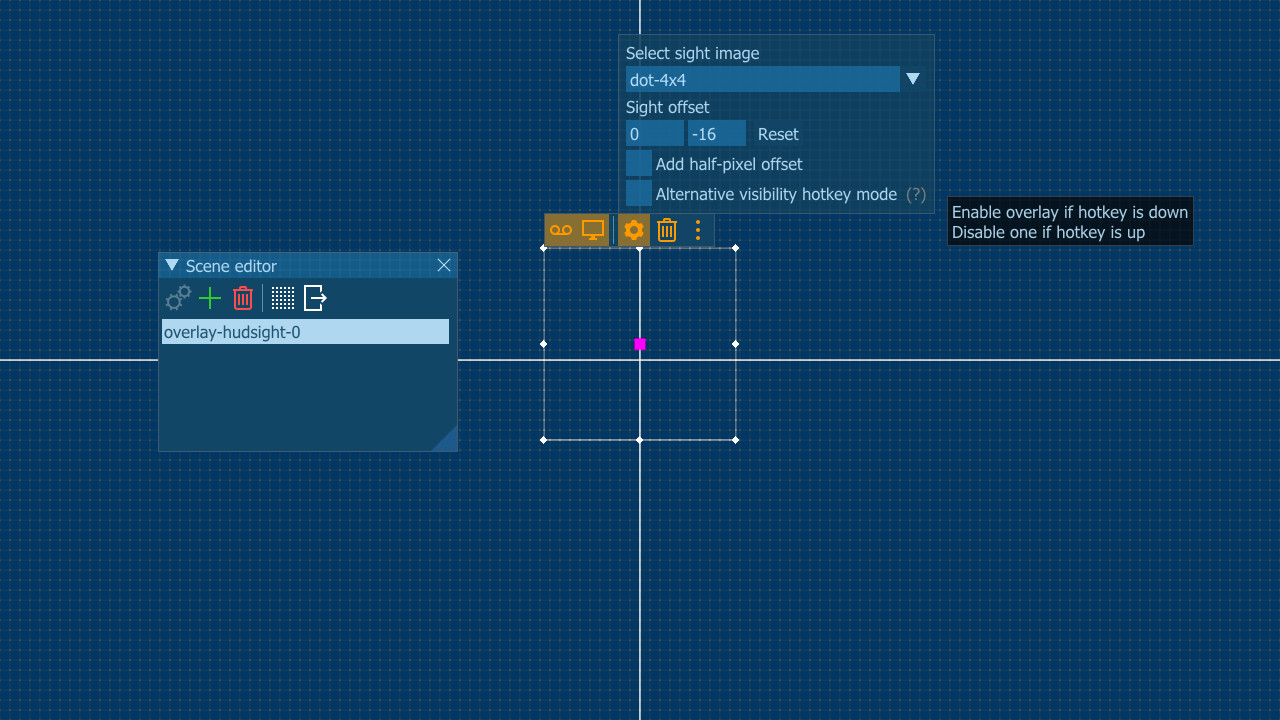
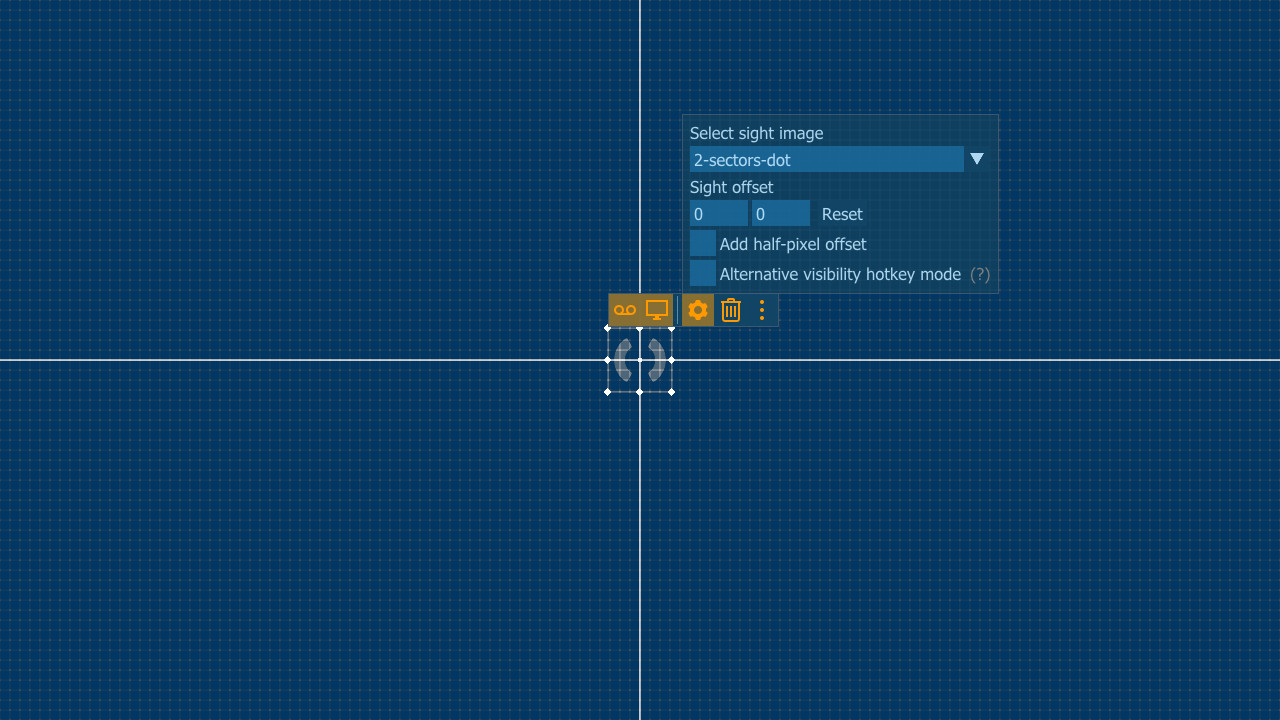
You can select crosshair from pre-installed image or use your own. Overlay can be turned on and off by a hotkey, it can be scaled. You can add an offset from screen center and even add half-pixel offset to align it to the real screen center.
Will I get banned for this?
Custom Crosshair overlay is not a cheat, it doesn't change games files or game play, it just draws an overlay (like Steam or other gaming services or some other tools). But please make sure that the Terms of Service of the game you play allow such enhancement.Supported languages: english
Something wrong on this page? Let us know
Description and screenshots are provided by the publisher via the Steam Store page.
System Requirements
Windows
- OS *: Windows 7
- Processor: 2-cores CPU with SSE support
- Memory: 1 GB RAM
- Graphics: Intel/AMD/NVidia graphics card
- DirectX: Version 11
- Storage: 1 MB available space
- OS: Windows 10
- Processor: Intel i5 or AMD Ryzen or better
- Memory: 1 GB RAM
- Graphics: Intel/AMD/NVidia graphics card
- DirectX: Version 11
- Storage: 1 MB available space
User Reviews
Doesn't work. Crosshair just moves to the corner of my screen. any attempt to move it snaps it right back to the corner. one would imagine THAT A CROSSHAIR should be in the middle of the goddamn screen but these idiots and their one brain cell want you to waste $7 for shovelware.
you literally would be better off setting your money on fire.

The Only part of the program I use is the cross-hair overlay and while number of in the box cross hairs seems limited set at 1, that one can be customized to change its size, color appearance. Would recommend the author add more preconfigured cross-hairs which would naturally draw attention to its customization potential which is good. A missed opportunity
Very useful if you need a consistent large enough firing rectle across many games, some games are designed to have the cross hair disappear for example with shotguns and having it reduces the potential disadvantage that would cause for anyone with less than 20x20 eyesight. Good stuff, no issues with using in games of a bad nature, recomended
It works perfectly in every steam game. i do recommend it.
How do i get the overlay to stay up?
Games similar to PlayClaw 7 - Custom Crosshair Overlay




Additional Information
| Developer | Eduard Kozadaev |
| Platforms | Windows |
| Age rating | None |
| Release date | June 2, 2020 |
| User reviews | 33% positive (6) |